Role Ribbon Sponsor Appreciation Badge
Matching certificates
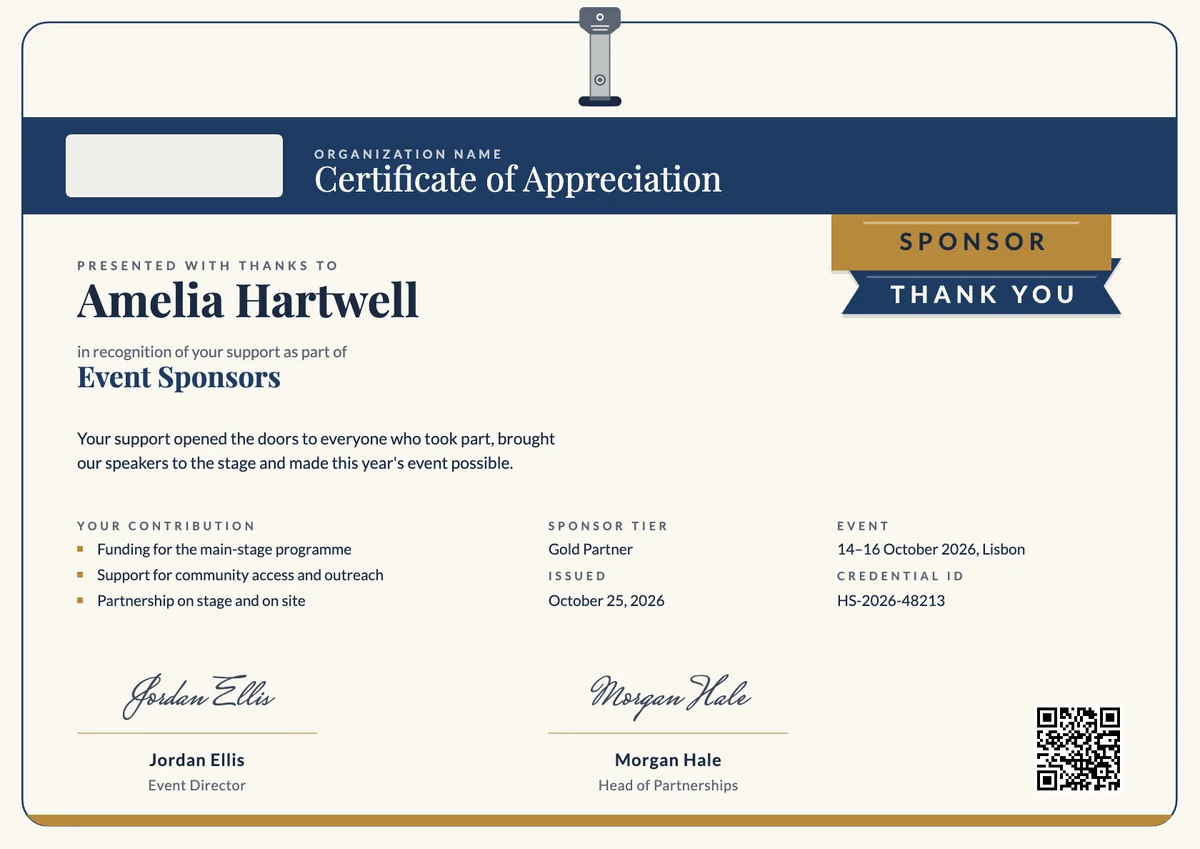
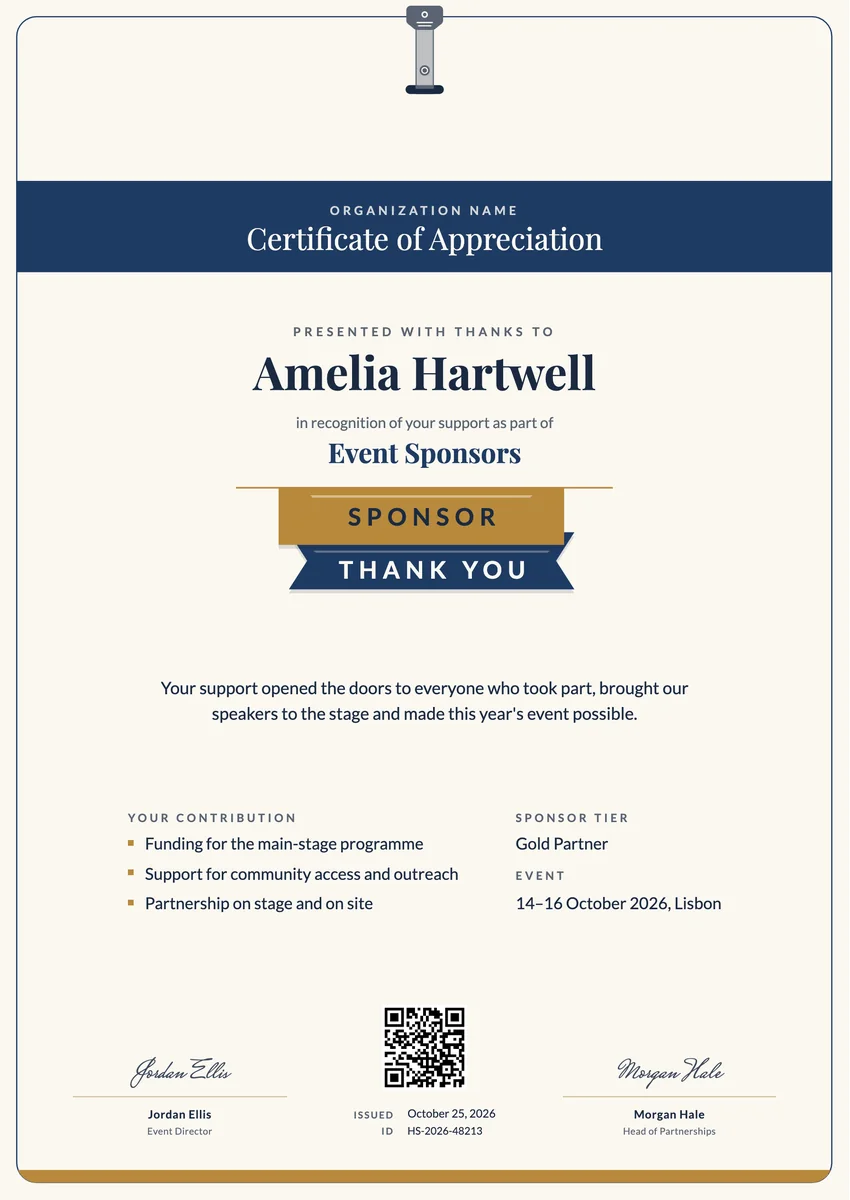
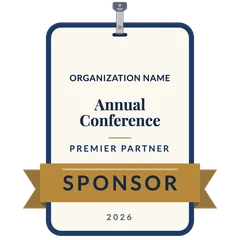
A sponsor badge shaped as a clipped event name badge with a navy rim, the event and partner level on its panel and a gold SPONSOR ribbon across it.
Use this design
Add your logo and wording, then send it to everyone at once, each with a link anyone can verify.
Start freeFree for up to 20 recipients a year
Share this design
- Round badge, readable at profile-picture size
- Your logo, colours and wording
- Each badge links to a verified record
- Matching certificates in the same design
Updated 31 October 2026 · Designed by the Hyperstack studio
See it where it lives
Drawn to read at small sizes
A badge is mostly seen small. These are its real sizes on screen.
On a profile
120 px
In a list of badges
64 px
In an email signature
40 px
What is on it
A badge people are proud to show
You write once
The same for everyone. Keep the template’s words or change them.
- Badge words
- Certificate of Appreciation
Filled in for each person
Hyperstack fills these from your list when you send.
- The recipient’s name and the award, in the badge’s verified record
- The issue date and a credential ID
- A link anyone can click to verify it
Specifications
Sizes, fonts and colours
Sizes
- Badge
- 470 × 470 px, round · Reads at 120 px on a profile
Colours
- Paper#fbf8f1
- Ink#1b2a41
- Accent#1f3b63
- Second accent#b8893b
- Muted text#5b6472
Change any colour in the studio.
Design notes
The badge is the conference name badge itself, hung from a metal strap clip. A navy-rimmed card holds the organisation's logo and name, the event, a short gold rule and the partner level, and a gold SPONSOR ribbon runs across its lower third, its notched tails folding behind the card. The year sits underneath. The clipped silhouette and the single bold ribbon stay clear at small sizes on a profile or a partner page.
About
Sponsor Badge Template, Event Name Badge with Ribbon
Sponsors like to show the events they back. A digital sponsor badge gives them a verified way to do it: the organiser issues it after the event, and the sponsor's marketing team or the company's representative puts it on a website, in an email signature or on LinkedIn, where it links to the credential page. It works well alongside the printed certificate, for every partner level from community supporter to premier partner.
Wording on the template“With sincere thanks for your generous sponsorship. Your support opened the doors to everyone who took part, brought our speakers to the stage and made this event possible.”More wording ideas for sponsor appreciation certificates
Words that go with it
The email and the post, written for you
Email to send with it
Subject: Thank you for your sponsorship, name
Dear name,
Thank you for sponsoring our event this year. Your support paid for things every guest felt: the venue, the speakers on stage and the free places that let students and community groups join us.
Your certificate of appreciation is now ready. It records the event, your sponsorship level and what your support made possible. Open it to download a copy, print it for your office, or share it with your team and network.
We would be glad to have you with us again next year.
Hyperstack fills in each person’s name and link when it sends.
Post for the recipient to share
Proud that our company sponsored this year's conference. Our support helped bring the speakers to the stage and opened free places for students and local community groups. Thank you to the organisers for a great event and for this certificate of appreciation. We are already looking forward to the next one. #Sponsorship #Conference #Community
Recipients share it with one click from their credential page, with the badge attached.
Certificate or badge?
Send both. They do different jobs.
Certificate
- A full record: name, statement, skills, dates and signatures
- Printed and framed, or kept as a PDF
- Opens to a page anyone can verify
Digital badge
- A small image people put on LinkedIn and in email signatures
- Carries the verified details inside it (Open Badges 2.0)
- One click shows who earned it and who issued it
How to send it
From template to everyone’s inbox
- 01
Make it yours
Open the template, add your logo and change any colour or word.
- 02
Add your people
Upload a spreadsheet, or connect your LMS, HR tool or form.
- 03
Send it
Each person gets an email and their own credential page, in one go.
- 04
They share it
Recipients add it to LinkedIn; anyone can verify it from the QR code.
The badge is a round image on a 470 × 470 px board, drawn to stay readable at 120 px, the size of a profile picture.
Playfair Display (title, recipient name), Lato (text, labels). All are Google Fonts, free for personal and commercial use, and you can swap any of them in the studio.
Yes. Every text, colour and drawing is its own layer in the studio. Add your logo in the logo spot; the design keeps its balance with a wide or a square logo.
Each person gets the badge with their own verified record. They add it to LinkedIn or an email signature, and anyone who clicks it sees who earned it and who issued it.
Yes. This design is part of a set: Role Ribbon Sponsor Appreciation Certificate and Role Ribbon Sponsor Appreciation Certificate, Portrait. Issue them together so the certificate and the badge read as one award for sponsor appreciation.
More certificate templates
All badge templates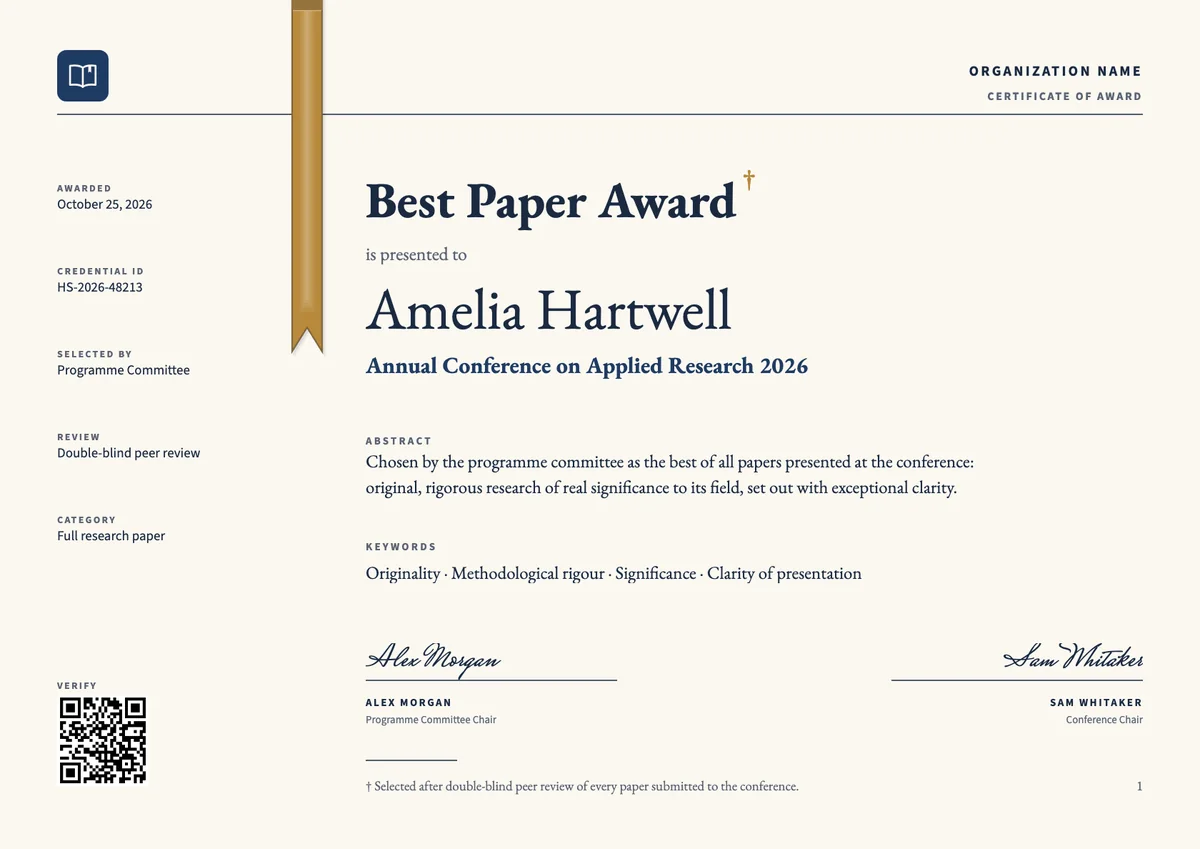
Landscape certificate · A4 + US Letter
Best Paper Award Certificate, Landscape
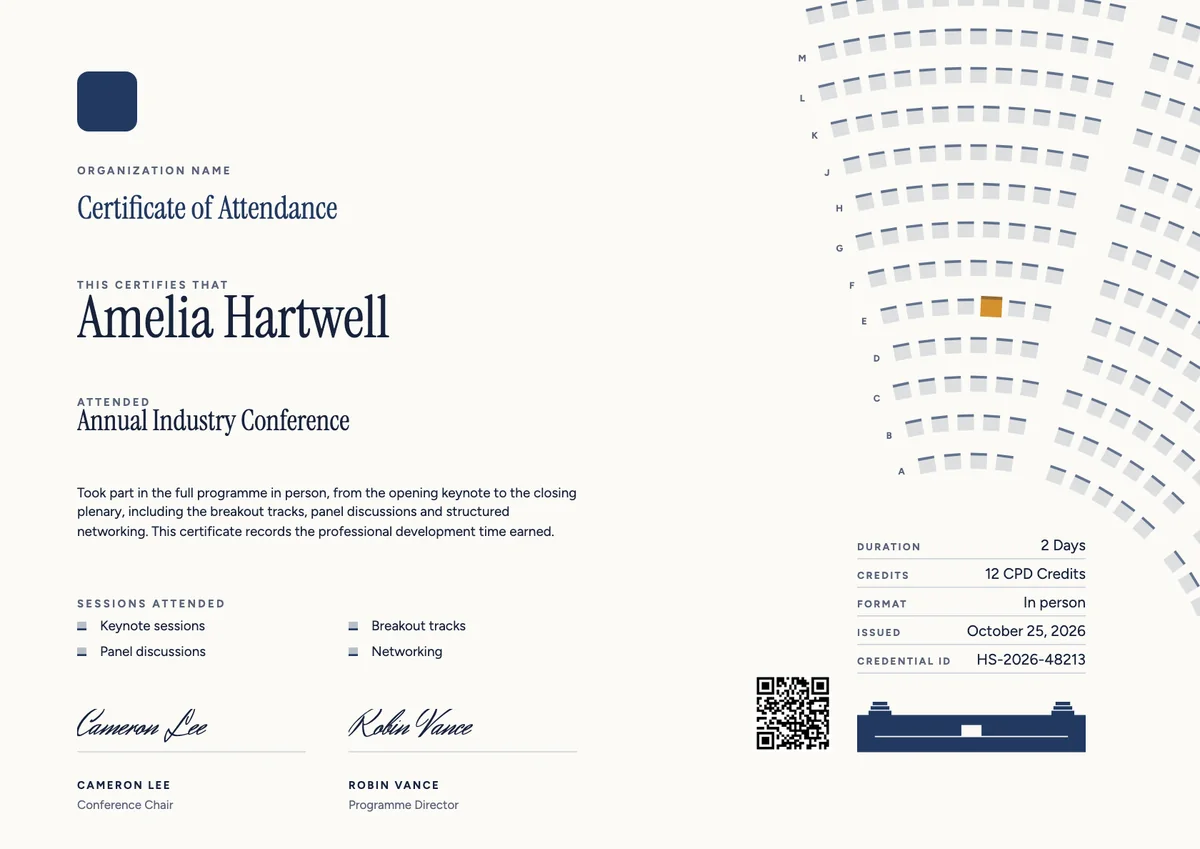
Landscape certificate · A4 + US Letter
Conference Landscape Certificate
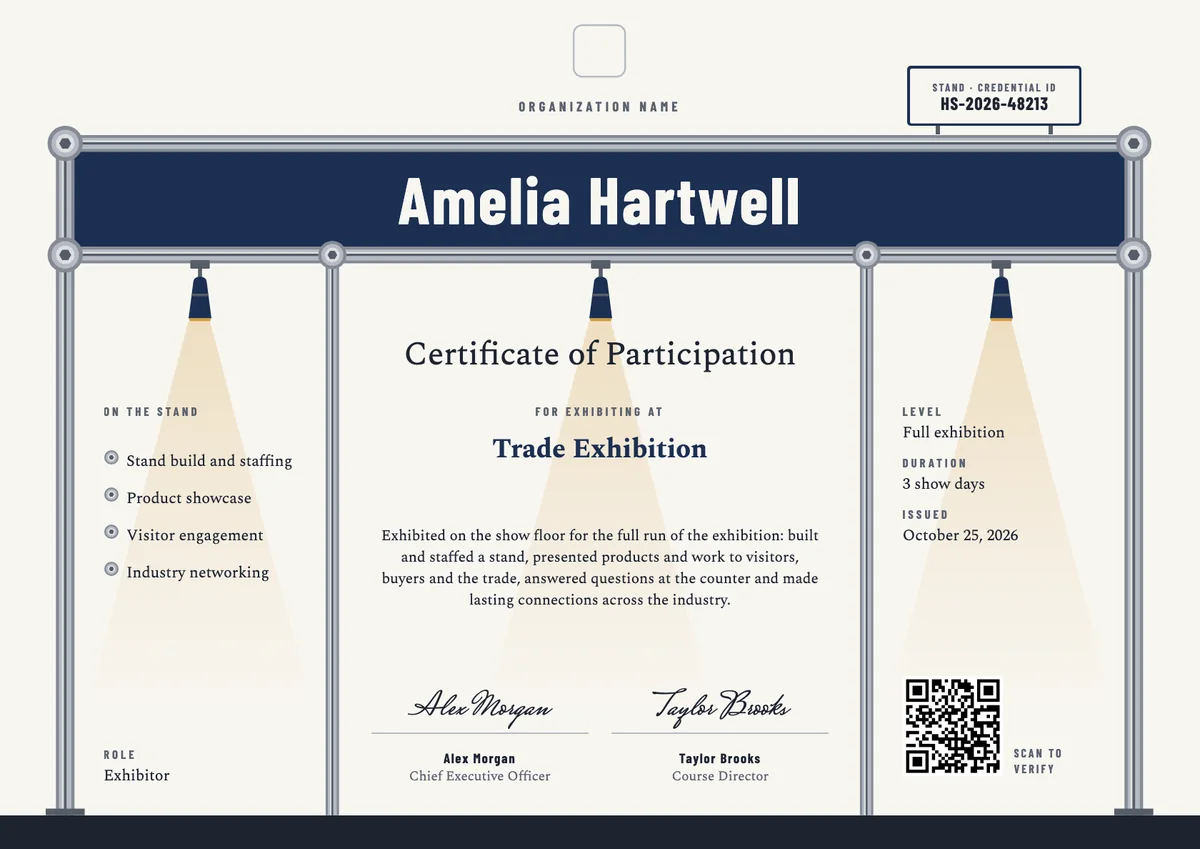
Landscape certificate · A4 + US Letter
Exhibition Participation Certificate
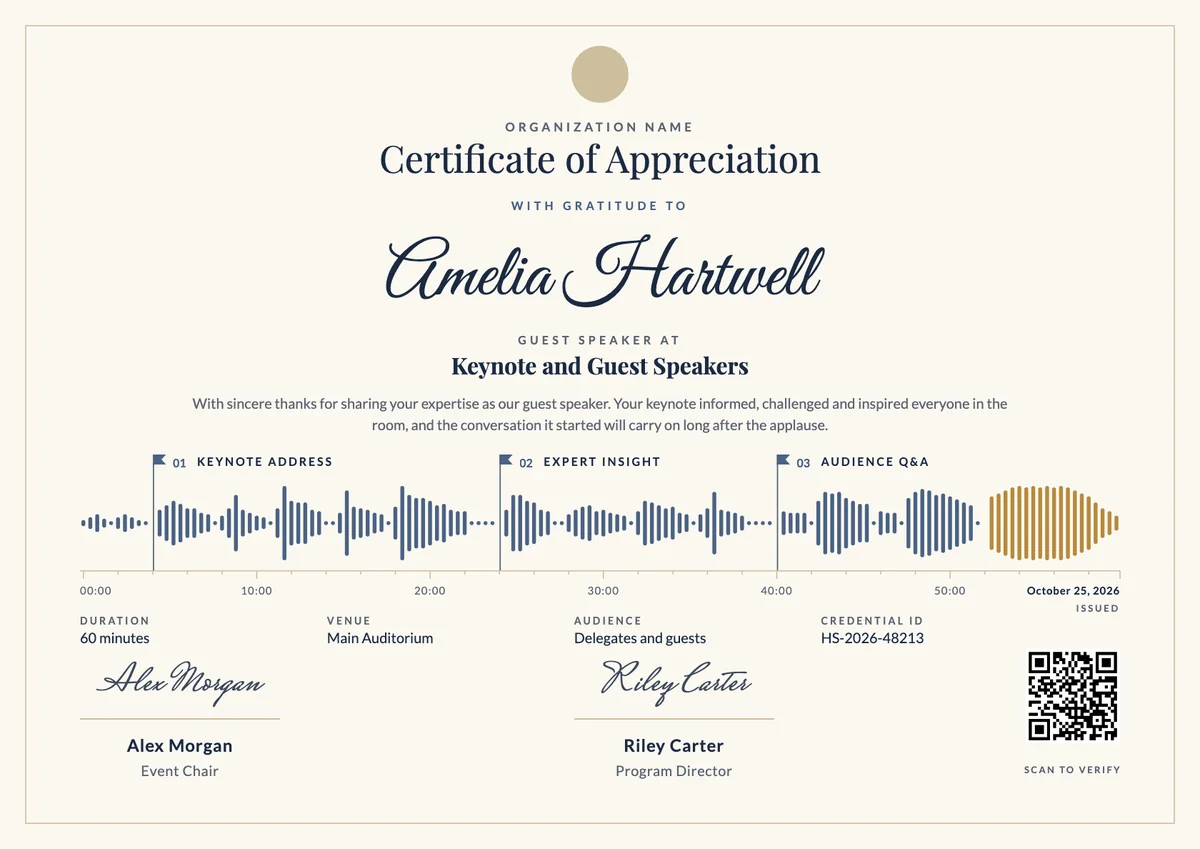
Landscape certificate · A4 + US Letter
Guest Speaker Certificate
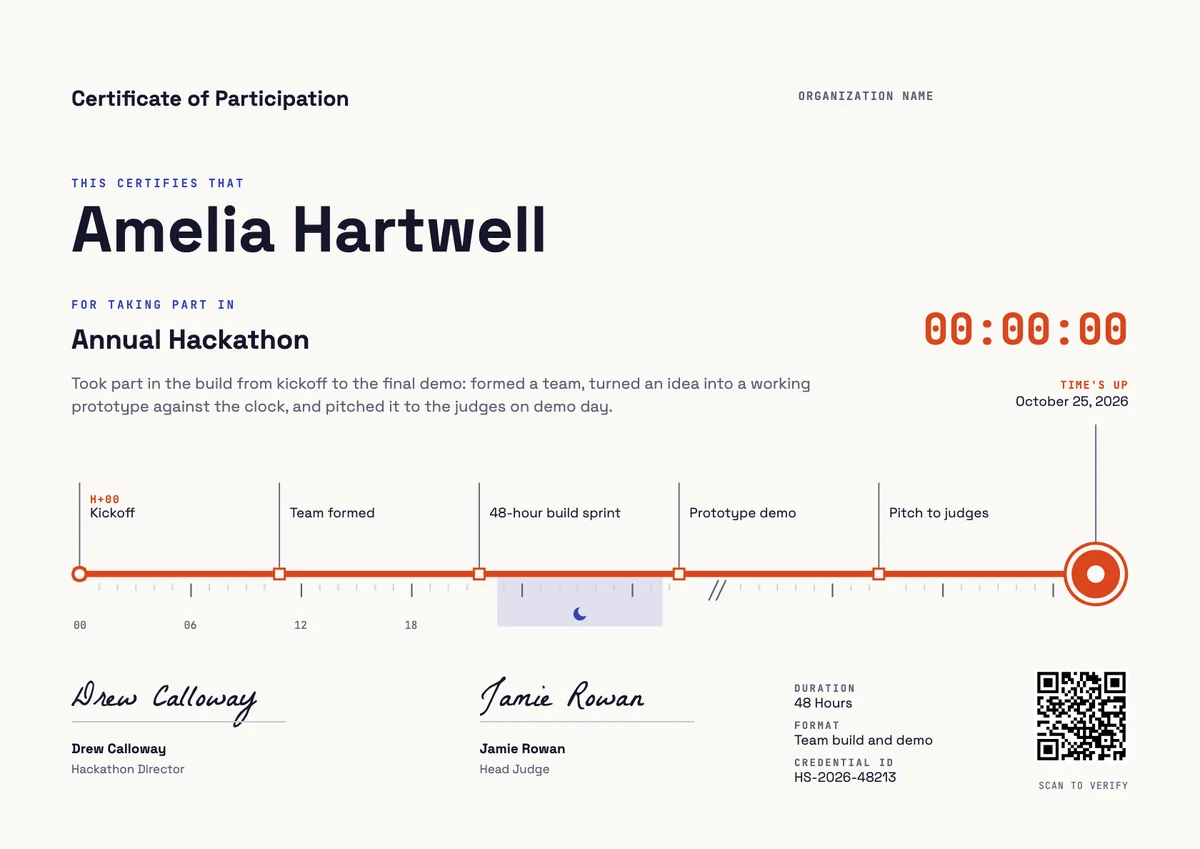
Landscape certificate · A4 + US Letter
Hackathon Certificate, Landscape
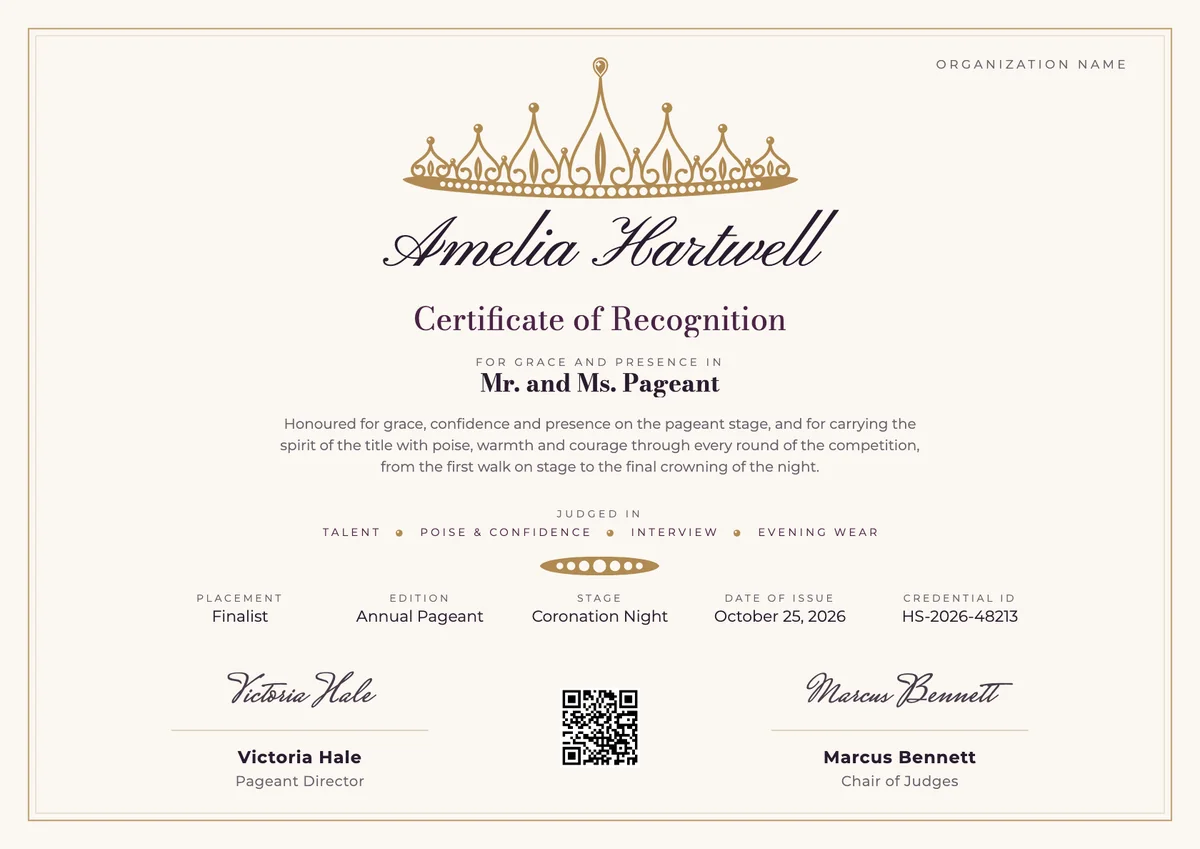
Landscape certificate · A4 + US Letter
Pageant Certificate, Landscape
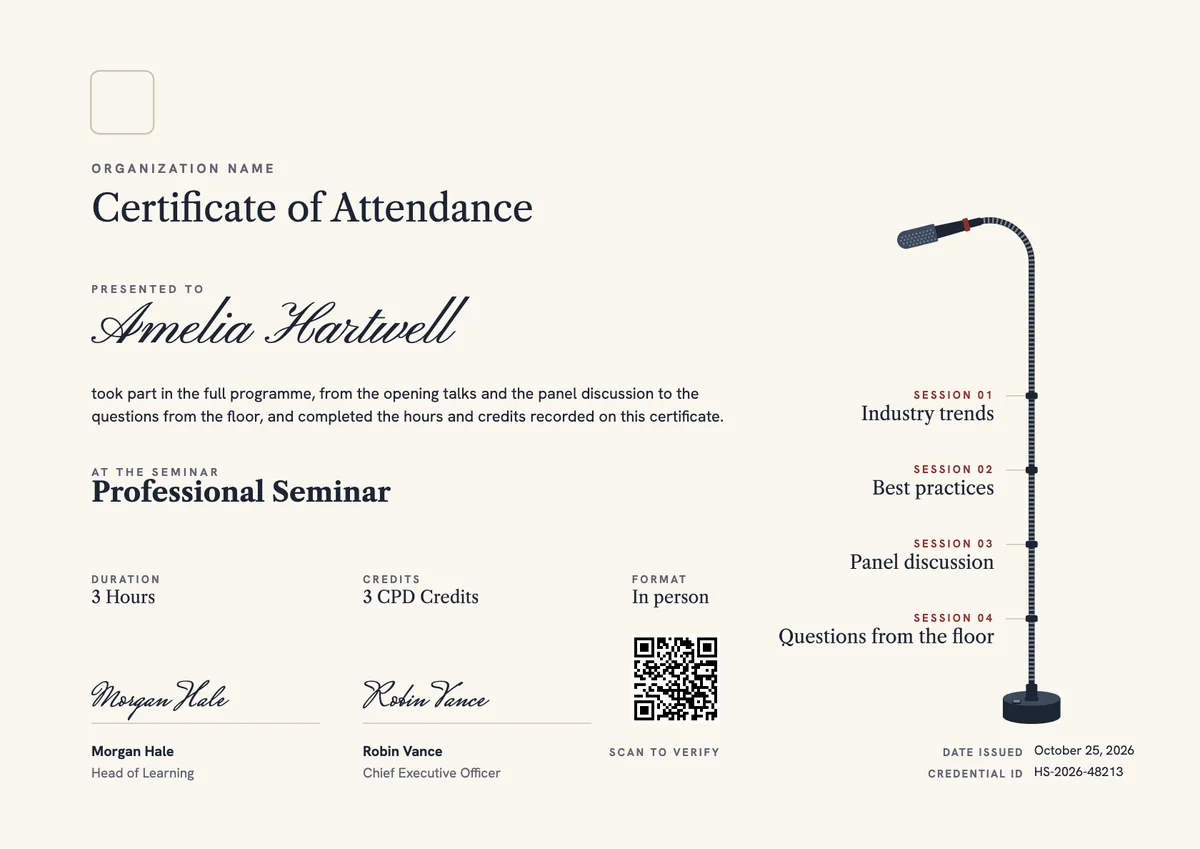
Landscape certificate · A4 + US Letter
Seminar Certificate, Landscape
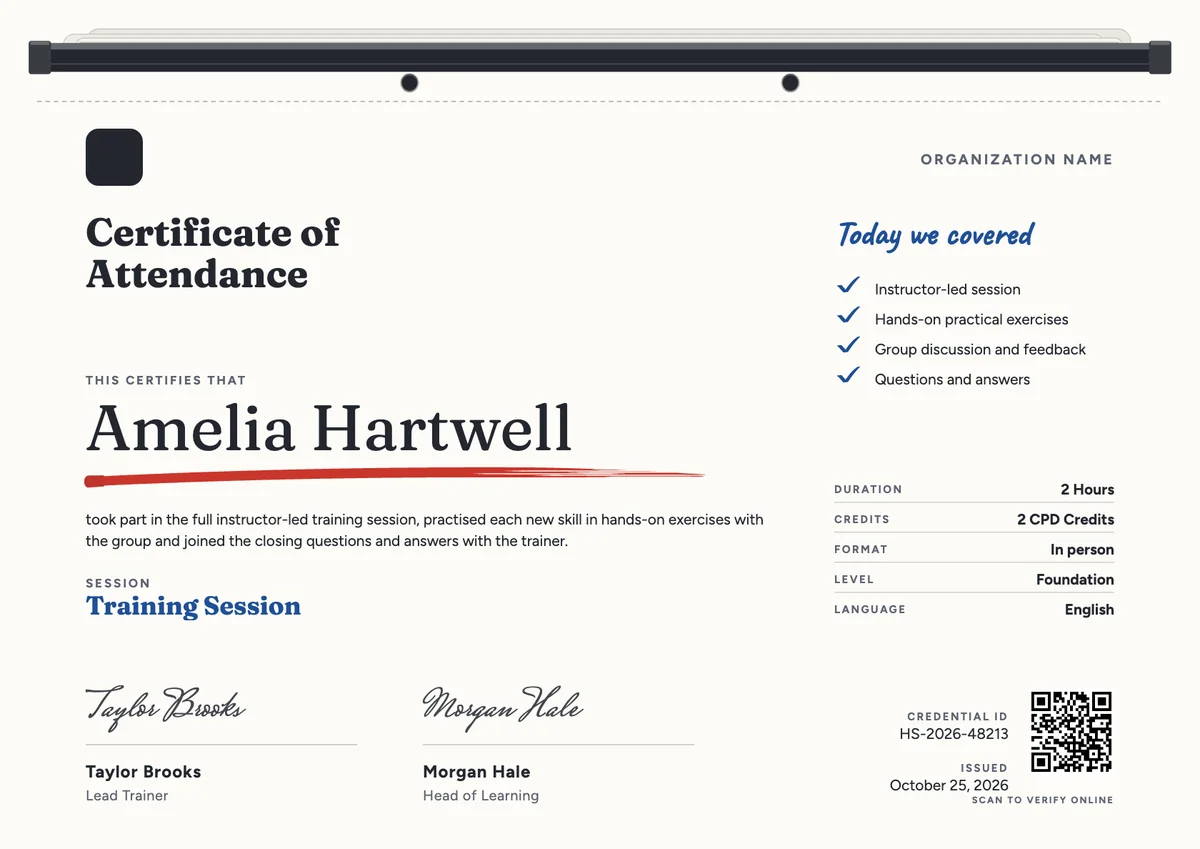
Landscape certificate · A4 + US Letter
Training Session Certificate, Landscape
Browse by topic
Trusted by universities, enterprises and certification bodies worldwide









Your next cohort deserves better than a PDF
Set up in minutes, send your first credentials today, and only pay once you grow past 20 recipients a year.
Or open a live sample credential