Work Anniversary certificate templates and badges
3 free designs. A set is one design as a badge, a landscape or a portrait certificate, or all three.
Free for up to 20 recipients a year
Red Letter Leaf set
Badge · Landscape · Portrait
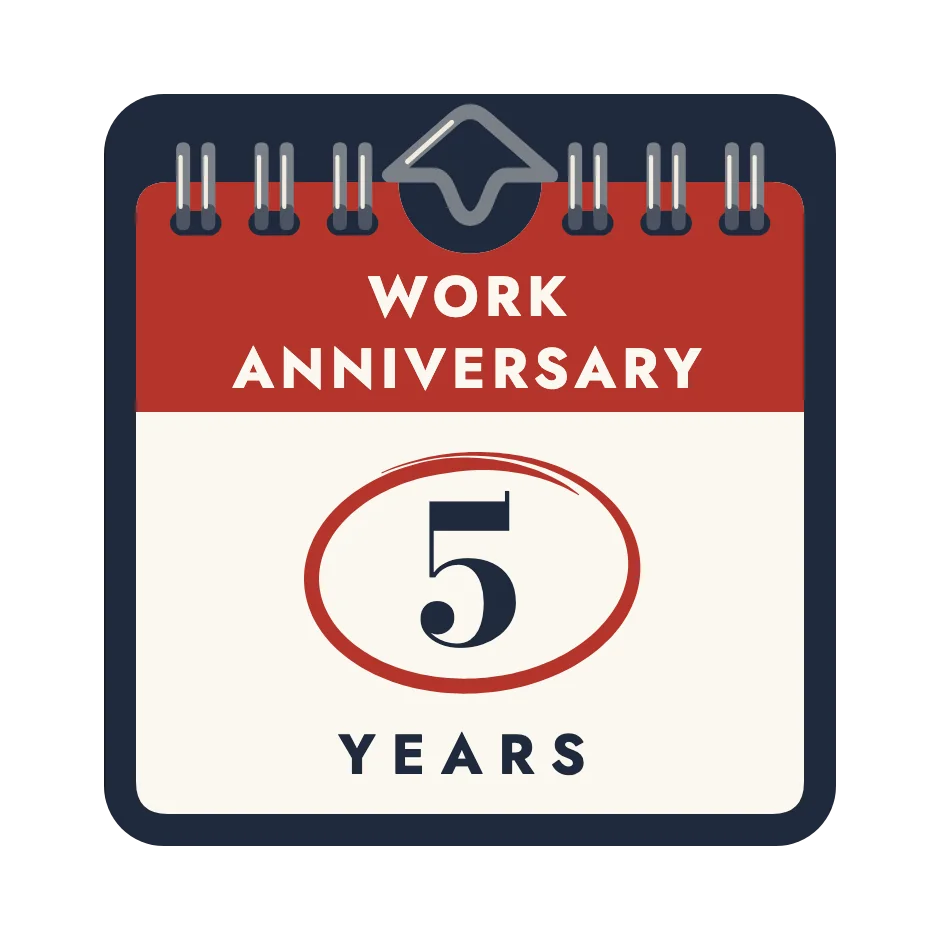
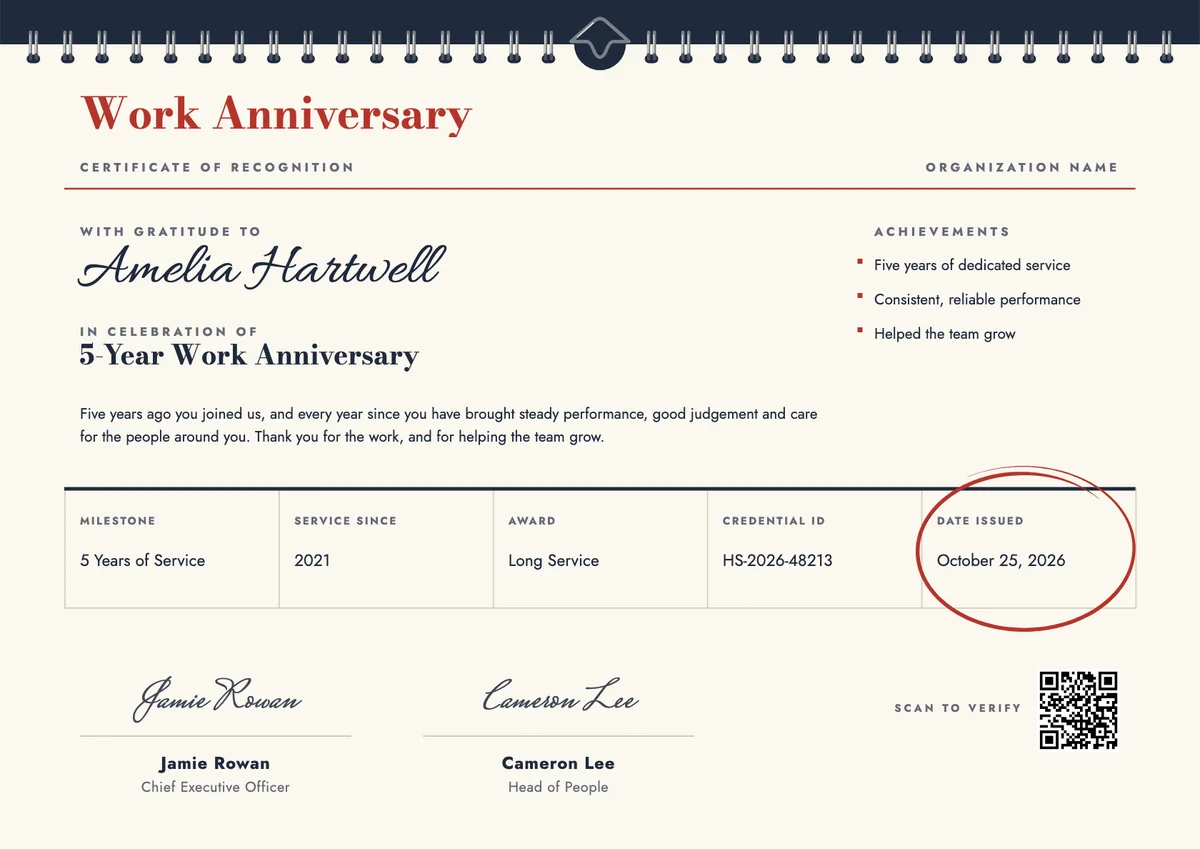
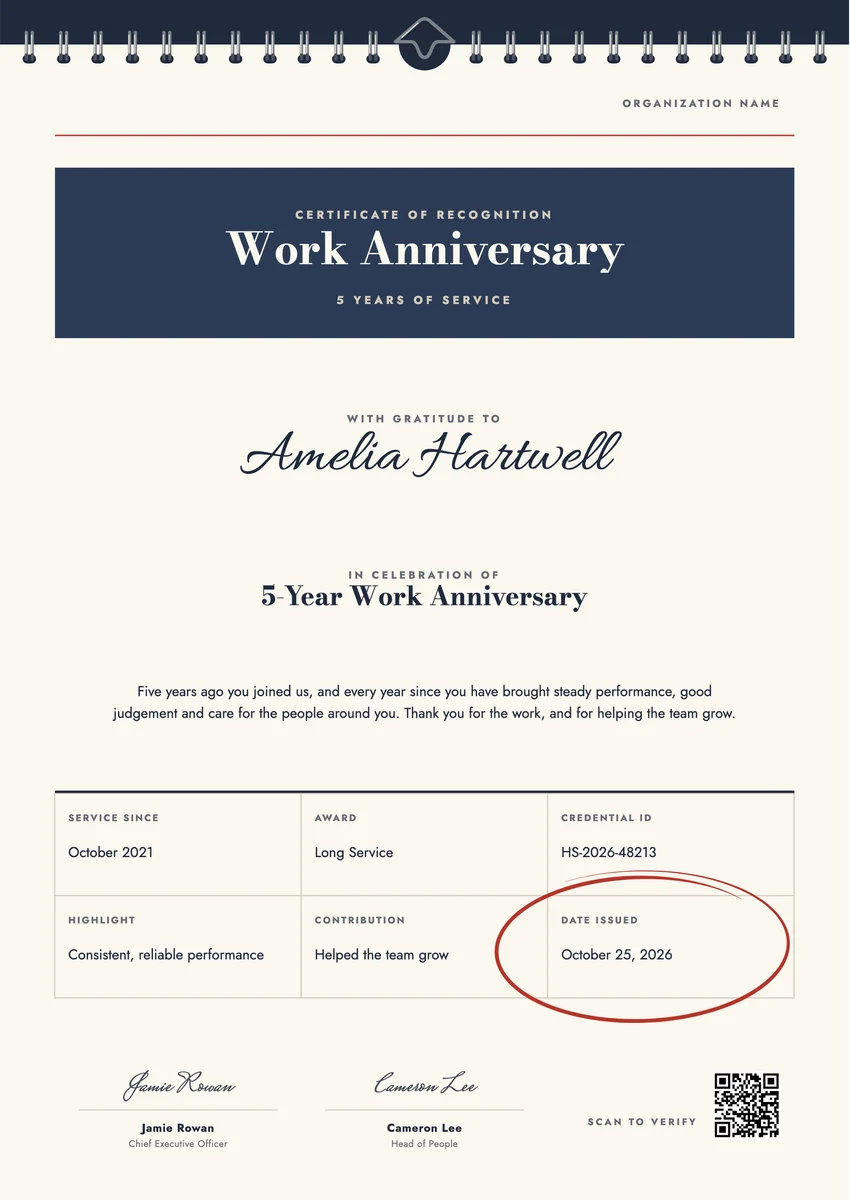
A work anniversary certificate template helps you mark the day someone joined your organisation, whether it is their first year or their fifteenth. Managers and people teams send one on the anniversary date itself, read it out at a team meeting, or tuck it into a card with a small gift.
The best ones feel personal. They name the person and the number of years, say one or two concrete things they have done since they started, and carry a signature from their manager or a company leader. A line about the year they joined makes the milestone easy to picture.
The designs here come as printable certificates in A4 and US Letter and as digital badges. Use one as your employee anniversary certificate template for every milestone: hand over a paper copy and email a digital one that the recipient can verify and share on LinkedIn.
Wording
What to write on a work anniversary certificate
Use these lines as they are, or as a start for your own. Every template comes with wording you can change in the studio.
Wording for a first or fifth work anniversary
- “Happy first work anniversary. One year in, and you already make this team better.”
- “Half a decade since you joined us, and so much good work in between.”
- “Five years of showing up, helping out and raising the bar. Thank you.”
Work anniversary award wording for ten years and more
- “Ten years ago you started with us. Today we celebrate everything you have built since.”
- “On your fifteenth anniversary with the company, thank you for your skill, your patience and your friendship.”
- “Twenty years of steady hands, sound advice and a team that is stronger because of you.”
One-line messages from the manager
- “Happy anniversary. I am proud to work beside you.”
- “Another year, another set of wins. Bring on the next one.”
Why send it with Hyperstack
More than a PDF
Customize the template free. When it is ready, send it to everyone at once.
One design, every name
Upload a spreadsheet and Hyperstack makes a certificate of recognition for each person on it, in one go.
Sent by email
Each recipient gets their own email and link. You see who opened it, downloaded it and shared it.
Anyone can verify it
The QR code opens a page that proves the certificate is real. Recipients add it to LinkedIn in one click.
FAQ
Questions, answered
On the anniversary date or as close to it as possible. A certificate that arrives weeks later feels like an afterthought. If your team has many anniversaries, set them up in advance so each one goes out on the right day.
Yes. The first year is when people decide whether they will stay, and a short note of thanks at twelve months shows that their start was noticed. Keep it lighter than the big milestones, but do not skip it.
Ideally both are involved. The certificate is issued by the company, but a line or a signature from the person's direct manager makes it feel personal rather than automatic.
Mention something specific from their time with you: a project they led, a process they improved, a new colleague they trained or a customer they kept happy. One true detail is worth more than a list of general praise.
A work anniversary is usually marked every year or at each milestone, in a warm and informal tone. A long service award is a more formal honour kept for long careers, often with a ceremony. Many companies use the anniversary certificate for both, changing only the wording.
More certificate templates
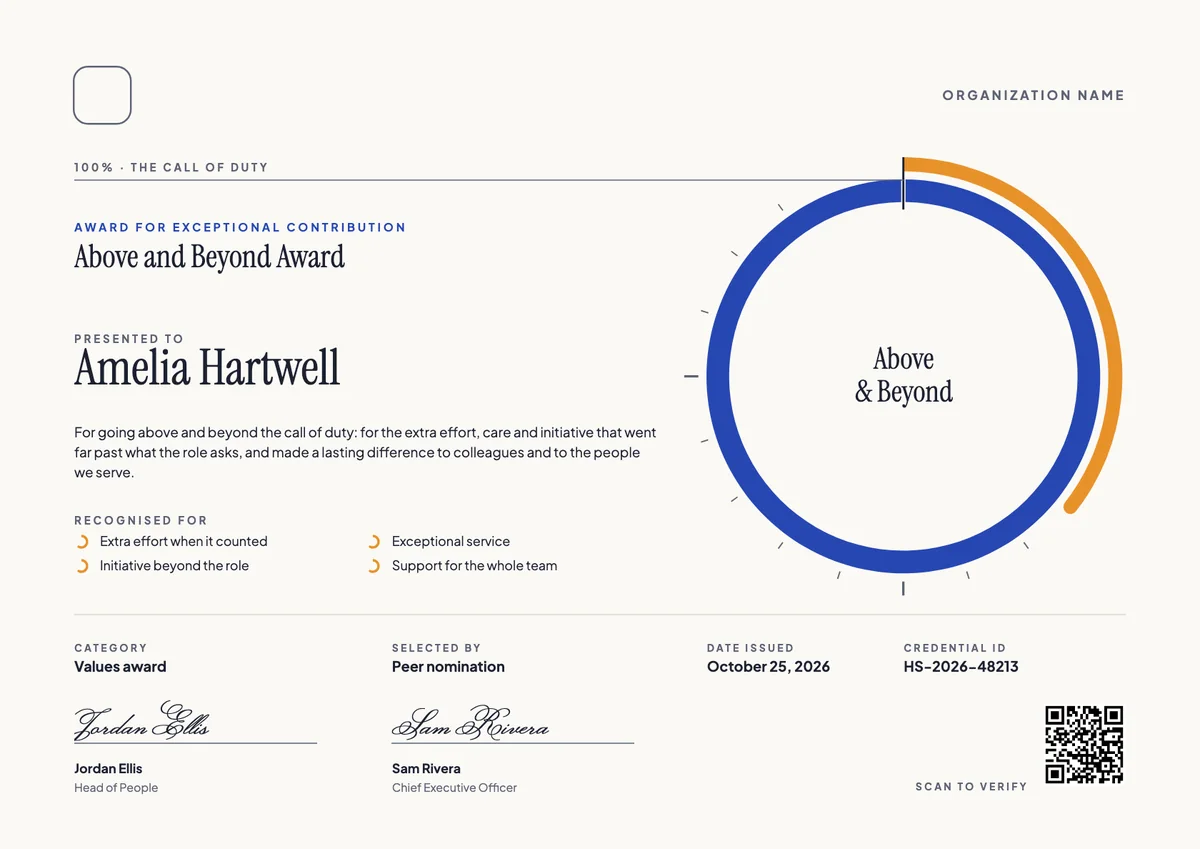
Your next cohort deserves better than a PDF
Set up in minutes, send your first credentials today, and only pay once you grow past 20 recipients a year.
Or open a live sample credential