Typing Skills certificate templates and badges
3 free designs. A set is one design as a badge, a landscape or a portrait certificate, or all three.
Free for up to 20 recipients a year
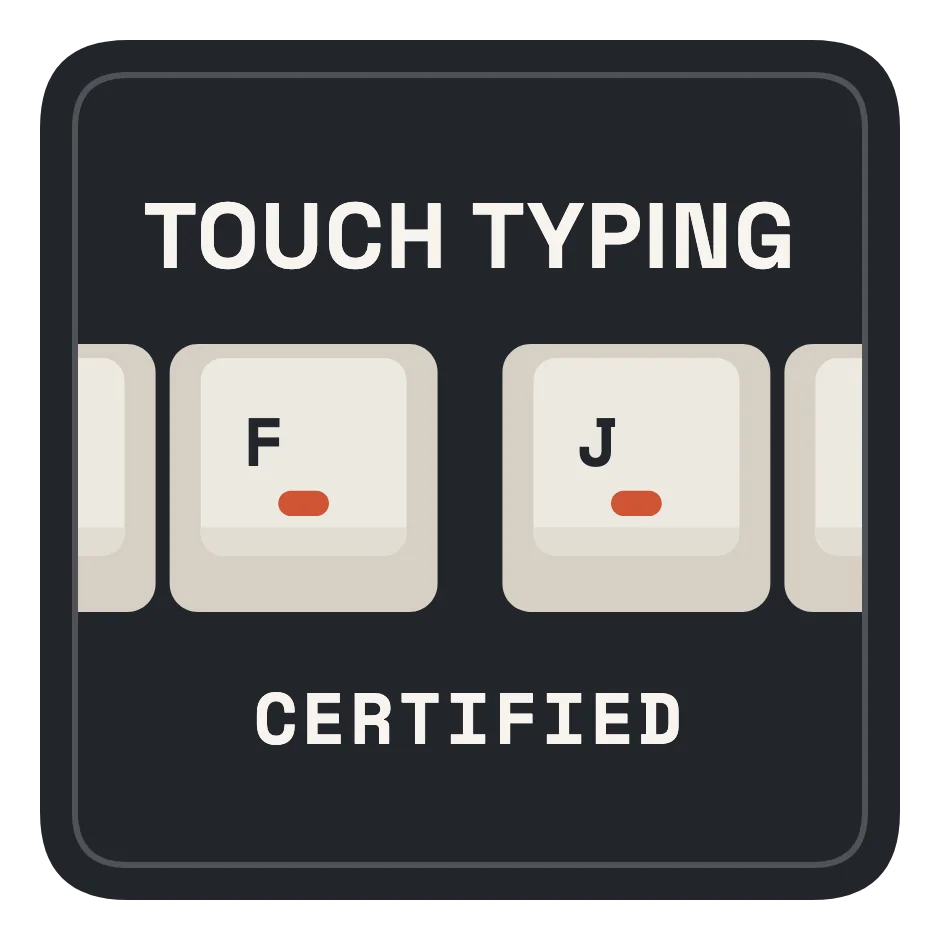
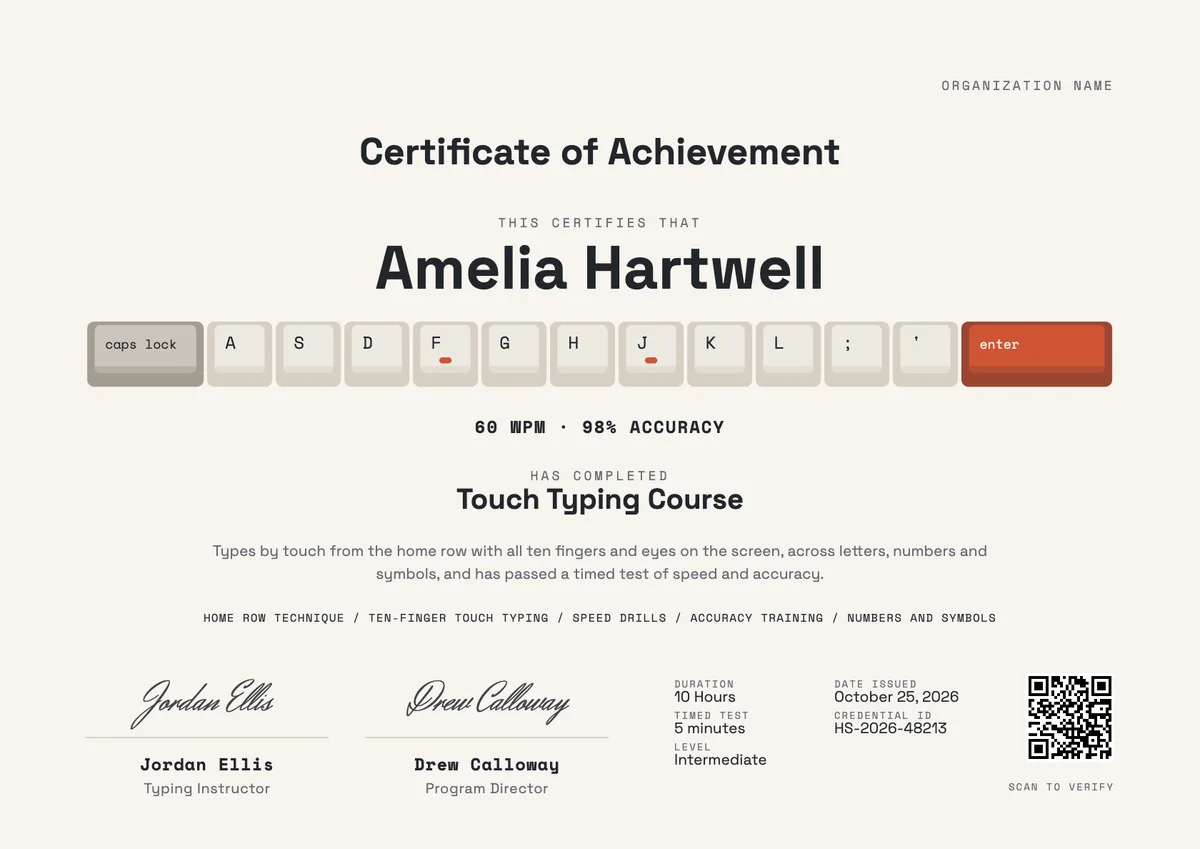
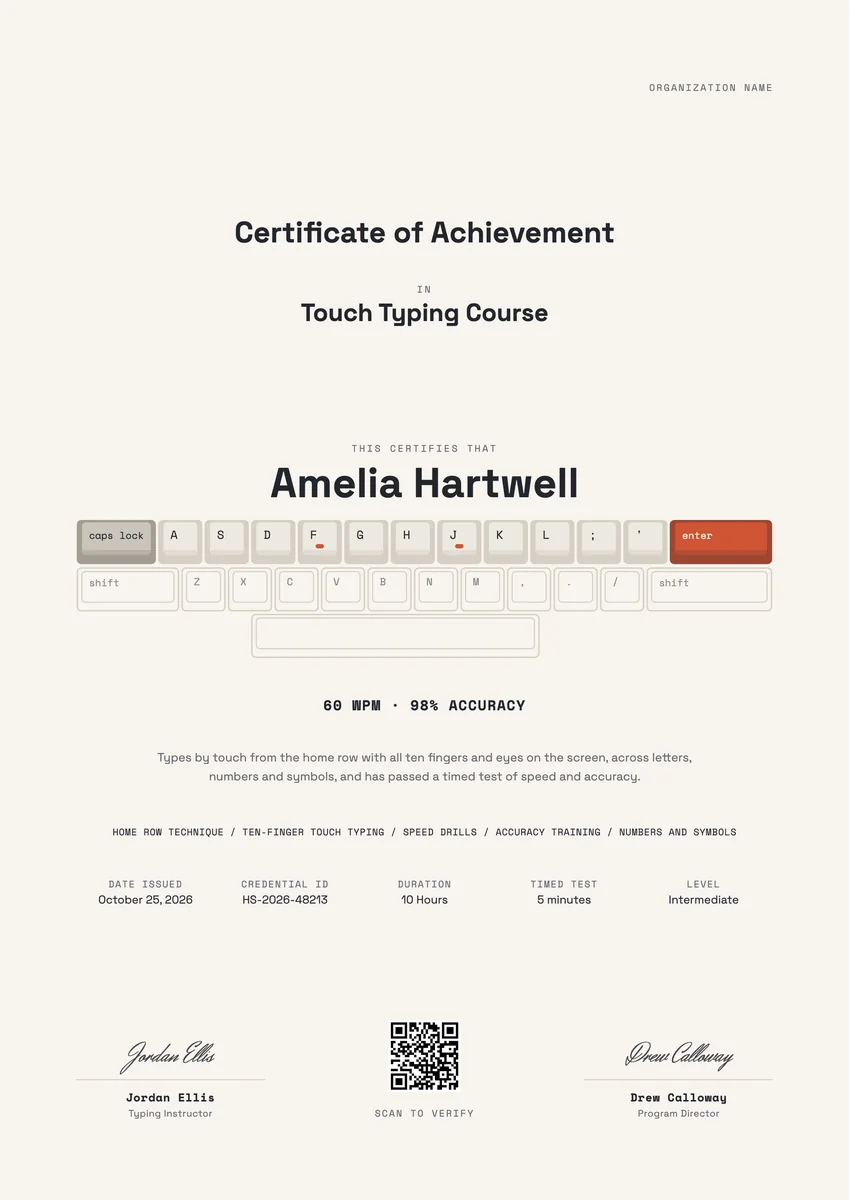
A typing certificate template is for the moment a learner can type by touch: fingers on the home row, eyes on the screen, and a timed test to prove it. Schools give one at the end of a keyboarding unit, tutors and online courses when a student reaches a target speed, and employers when office or data entry staff pass a skills check. Typing clubs use them as awards for each new speed milestone.
A good one states the result, usually words per minute with an accuracy rate, and how it was measured: the length of the test and the level. It names the skills practised, carries the date, a credential ID and a teacher's signature. The designs come as certificates (A4 and US Letter) and as badges, so a student can pin the paper copy up at home and share the digital award online.
Wording
What to write on a typing skills certificate
Use these lines as they are, or as a start for your own. Every template comes with wording you can change in the studio.
Wording for a typing speed certificate
- “For reaching 45 net words per minute with 97% accuracy in a five-minute timed test.”
- “Has completed the Touch Typing Course and types all letters, numbers and symbols without looking at the keys.”
- “In recognition of doubling typing speed this term while keeping accuracy above 95%.”
Typing award lines for clubs and classes
- “Home Row Hero: first full drill completed without a single look at the keyboard.”
- “Speed Club 40: for joining the club of typists at forty words per minute.”
- “Most Improved Typist of the Term.”
- “Accuracy Ace: a full timed test with no more than two errors.”
Short lines for a typing badge
- “Touch typing certified.”
- “60 WPM. Eyes on the screen.”
Why send it with Hyperstack
More than a PDF
Customize the template free. When it is ready, send it to everyone at once.
One design, every name
Upload a spreadsheet and Hyperstack makes a certificate of achievement for each person on it, in one go.
Sent by email
Each recipient gets their own email and link. You see who opened it, downloaded it and shared it.
Anyone can verify it
The QR code opens a page that proves the certificate is real. Recipients add it to LinkedIn in one click.
FAQ
Questions, answered
Set the target by level rather than one number for everyone. Many teachers award a first certificate when a beginner types steadily by touch at a modest speed, then further awards at higher speeds, each with an accuracy floor such as 95%. Write the exact speed and accuracy on the certificate so it means something later.
Net words per minute is the fairer figure, because it takes errors off the raw speed. If you show gross speed, put the accuracy rate next to it. Either way, a word is normally counted as five characters, so results from different tests can be compared.
One-minute tests are good for practice, but a three- or five-minute test gives a steadier result for a certificate, since a single lucky or unlucky burst matters less. State the test length on the certificate next to the result.
Use a ladder of milestones, for example a home row award, then speed steps every ten words per minute, plus one award for accuracy. Each step is earned once, so students keep a growing set of badges and can see what comes next.
Many treat it as good evidence, especially for admin, transcription and data entry roles, but some run their own short test as well. A certificate with the test length, the date and a QR code they can scan to check it is far more useful than a plain claim on a CV.
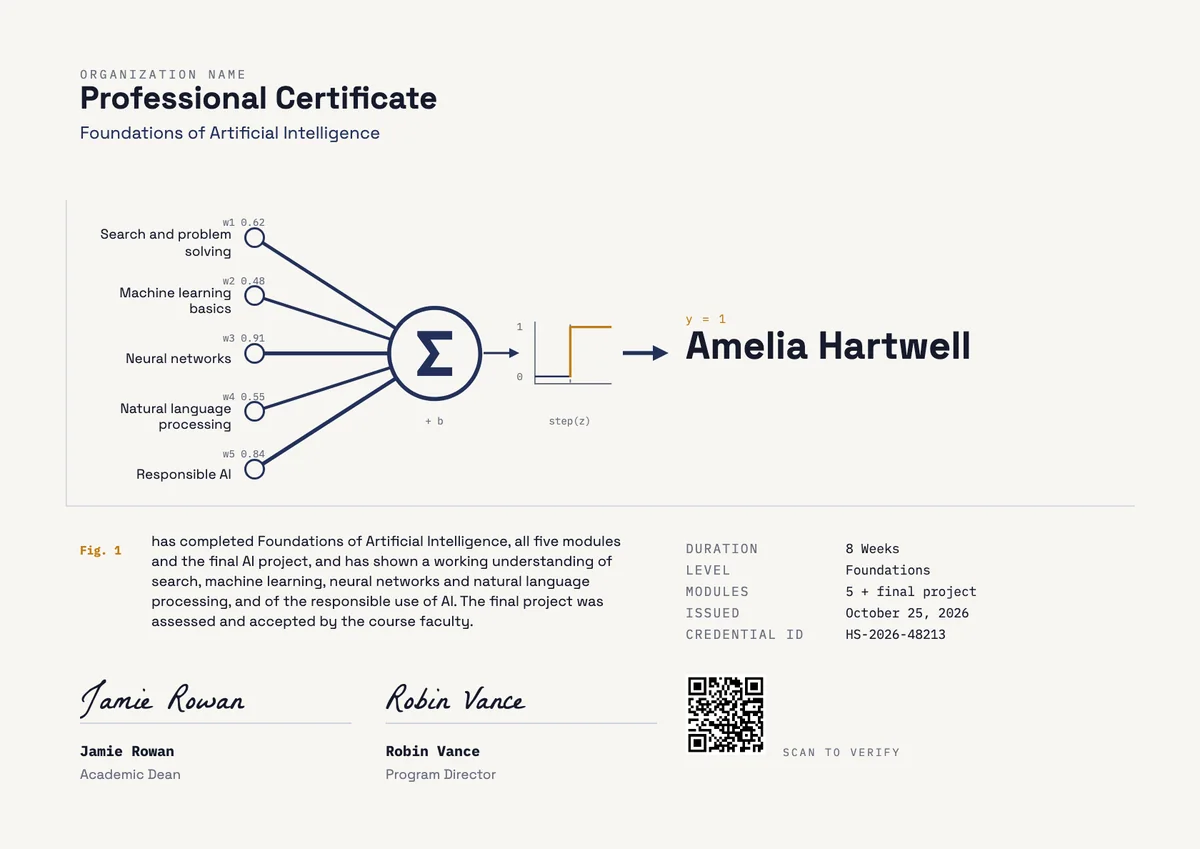
Your next cohort deserves better than a PDF
Set up in minutes, send your first credentials today, and only pay once you grow past 20 recipients a year.
Or open a live sample credential