Basic Computer Course certificate templates and badges
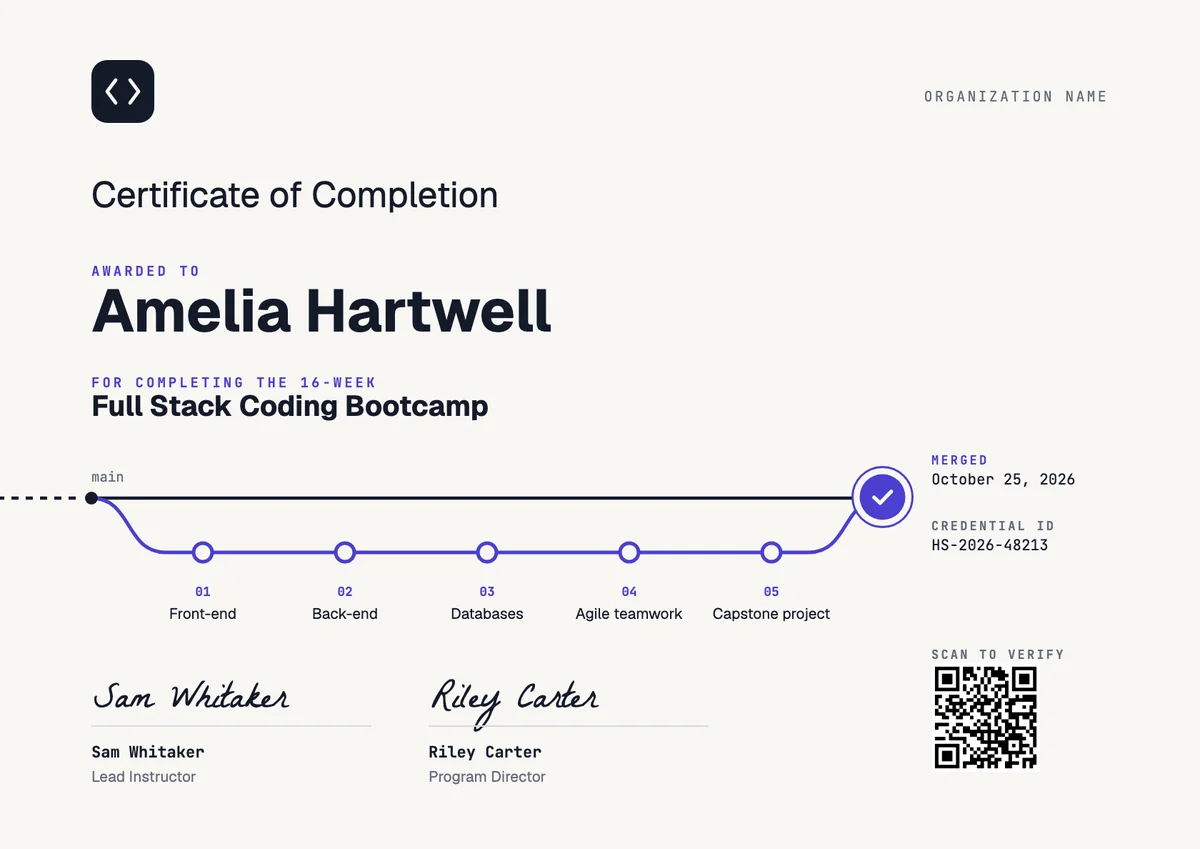
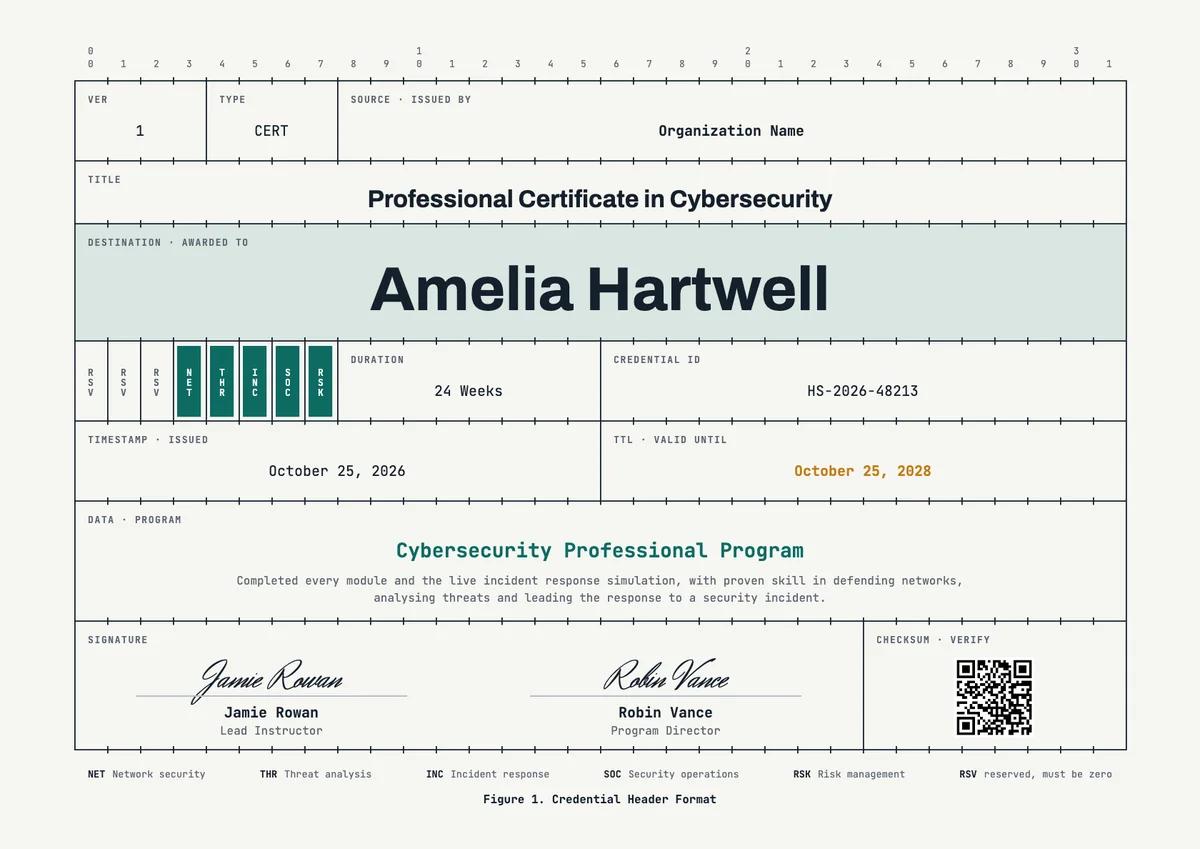
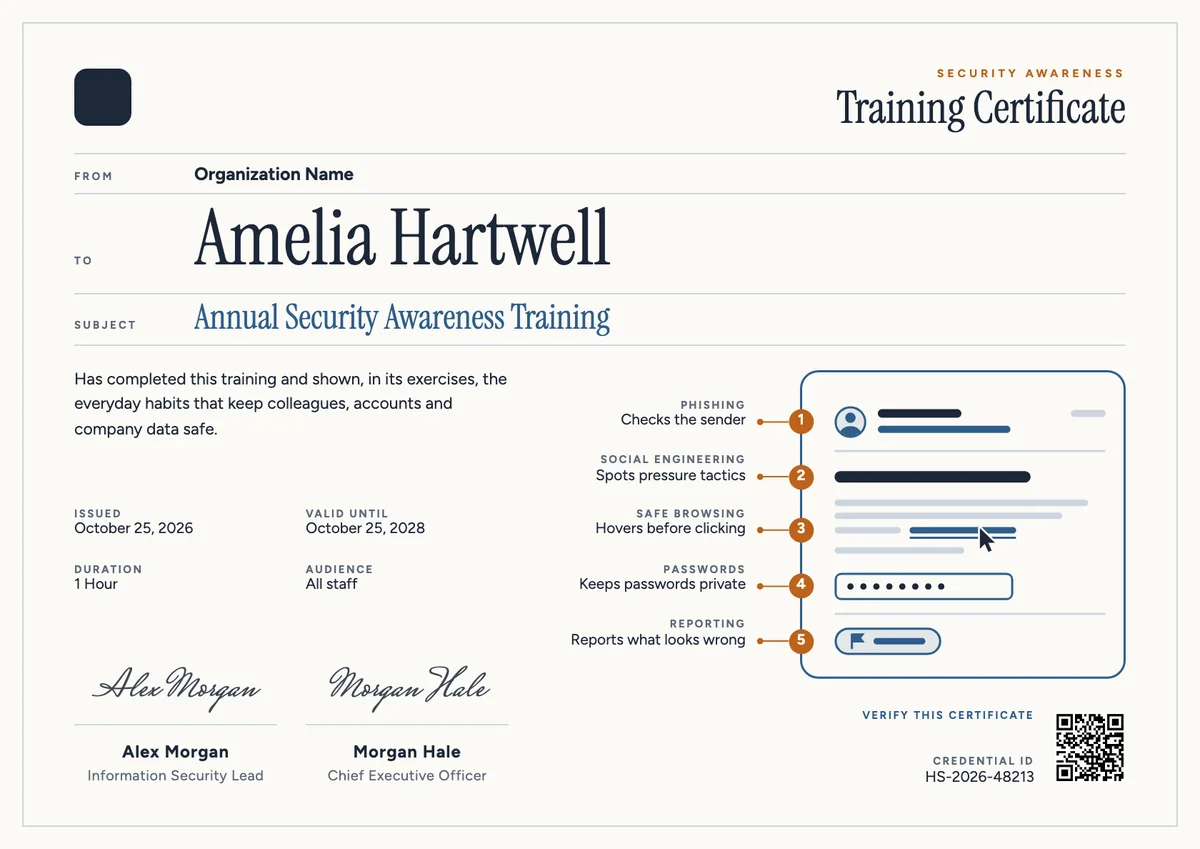
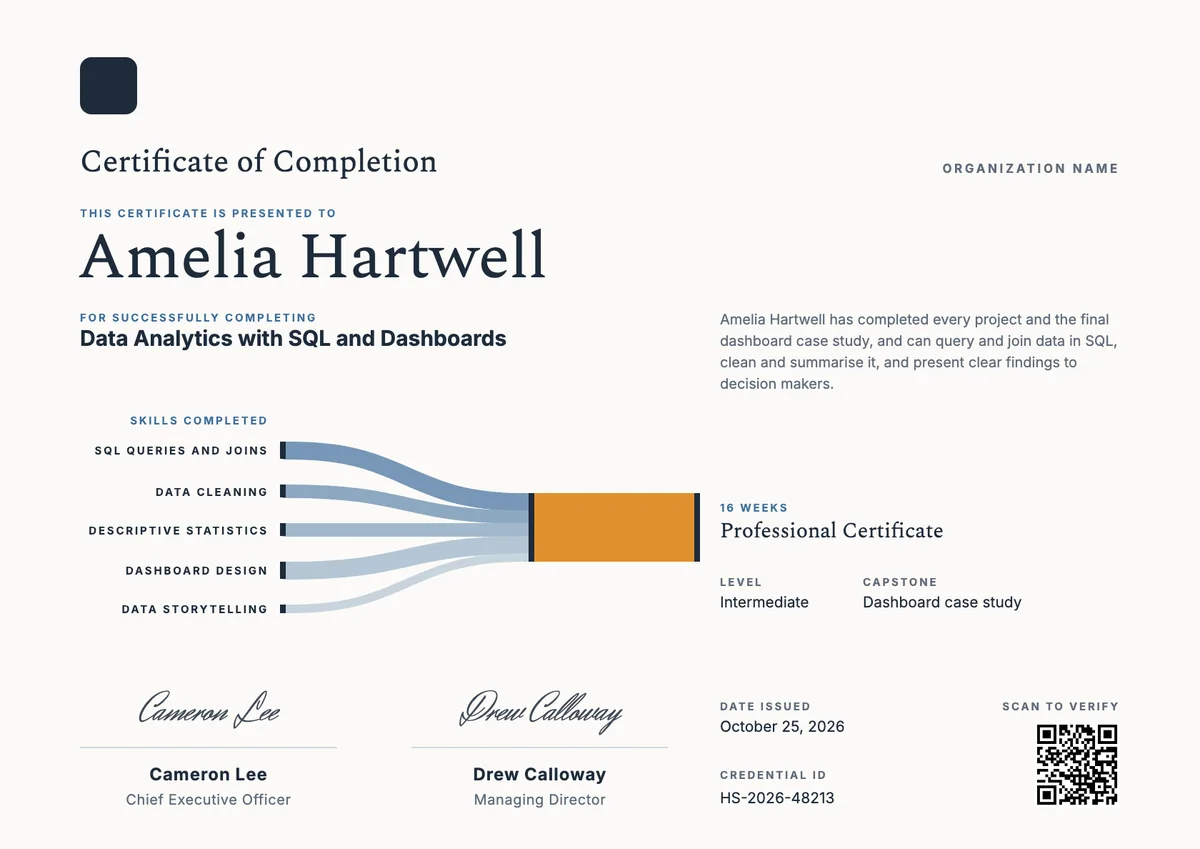
3 free designs. A set is one design as a badge, a landscape or a portrait certificate, or all three.
Free for up to 20 recipients a year
Desktop Icons set
Badge · Landscape · Portrait

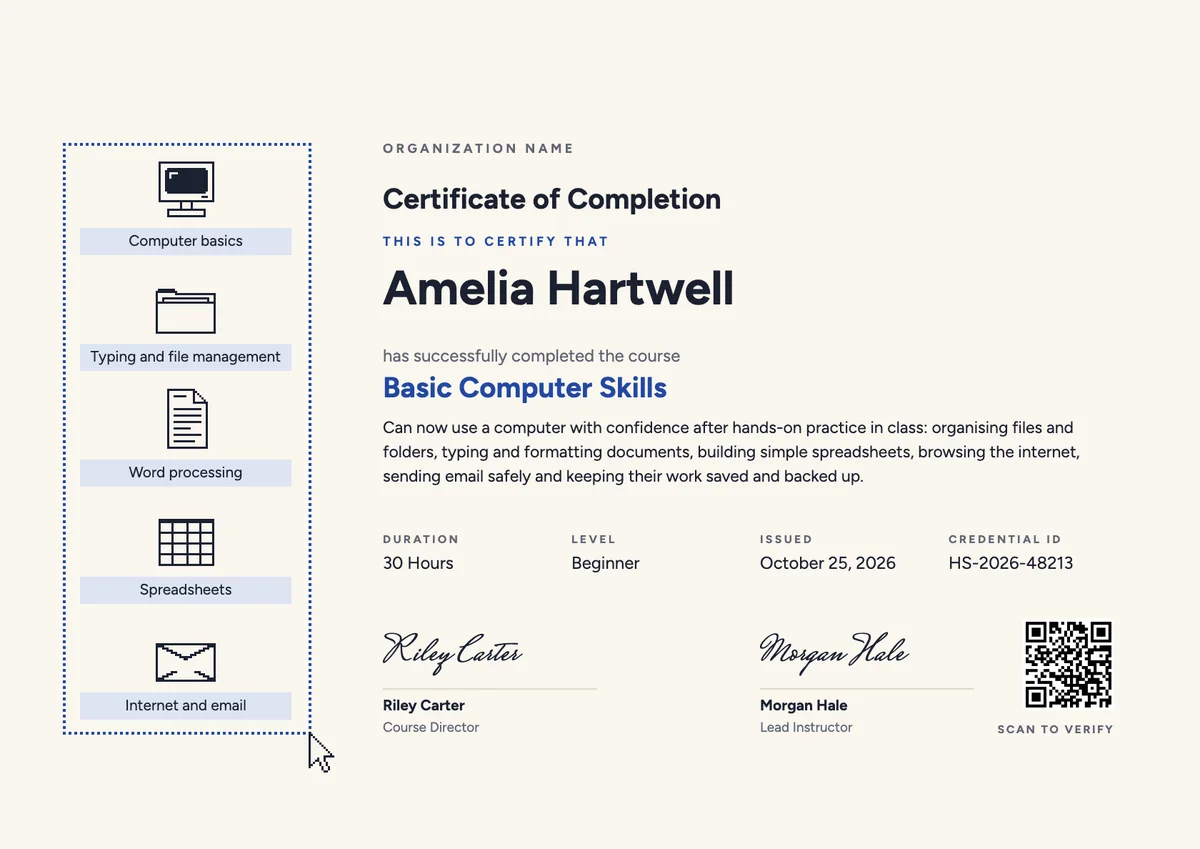
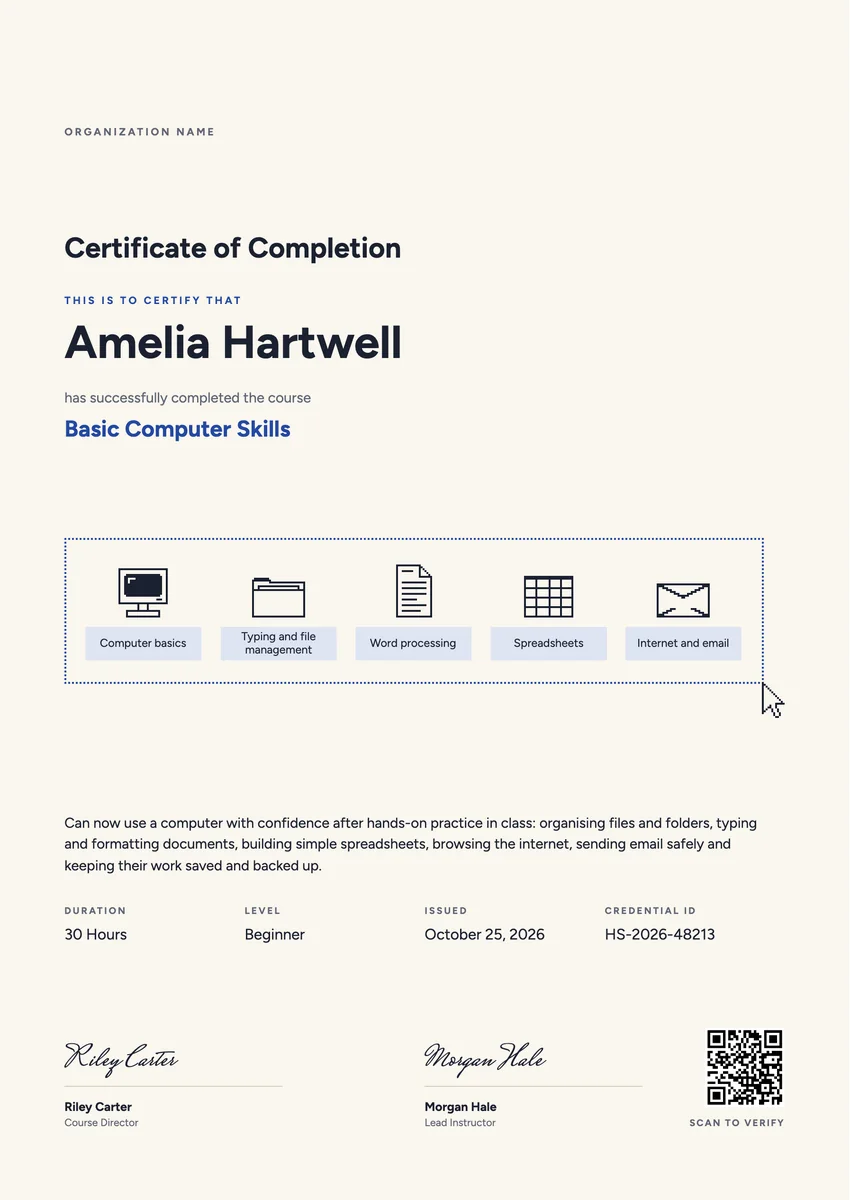
A computer course certificate template is for the day a beginner finishes their first proper class in using a computer. Public libraries, adult education centres, community colleges, computer training institutes and senior centres give one at the last session, and employers give one when staff complete an in-house digital skills programme. For many learners it is the first certificate they have earned in years, and they keep it.
A good one names the modules covered, such as computer basics, files and folders, word processing, spreadsheets, and the internet and email, and says in plain words what the learner can now do on their own. It shows the hours and the level, the date, a credential ID and the trainer's signature.
The designs here come as certificates (A4 and US Letter) and as badges, so a learner can take home a printed computer literacy certificate and also share a verified digital copy with a future employer.
Wording
What to write on a basic computer course certificate
Use these lines as they are, or as a start for your own. Every template comes with wording you can change in the studio.
Wording for a basic computer course certificate
- “Has completed the 30-hour Basic Computer Skills course and can now create, save and organise documents without help.”
- “For finishing every module of Computers for Beginners, from first mouse clicks to sending an email with an attachment.”
- “Awarded on completion of the Introduction to Computers evening class at the community learning centre.”
Modules to list on a digital literacy certificate
- “Using the mouse, keyboard and desktop”
- “Creating folders and finding saved files”
- “Writing and printing a letter in a word processor”
- “Browsing safely, using email and spotting scam messages”
Lines for a computer training certificate given at work
- “Has completed the company's digital skills programme for new starters.”
- “In recognition of completing computer training in documents, spreadsheets and shared drives.”
Why send it with Hyperstack
More than a PDF
Customize the template free. When it is ready, send it to everyone at once.
One design, every name
Upload a spreadsheet and Hyperstack makes a certificate of completion for each person on it, in one go.
Sent by email
Each recipient gets their own email and link. You see who opened it, downloaded it and shared it.
Anyone can verify it
The QR code opens a page that proves the certificate is real. Recipients add it to LinkedIn in one click.
FAQ
Questions, answered
Name the ones the learner actually completed, in the order they were taught. Most beginner courses cover the computer and its parts, typing and file management, word processing, spreadsheets, and the internet and email. Five short labels are easier to read than a long paragraph.
The two names are used for much the same thing. Computer literacy is the older term and points at using the machine itself. Digital literacy is wider and also takes in online safety, video calls and finding reliable information on the web. Use the name your course is published under.
Usually not on its own. A course certificate records that the learner attended and completed the training. Recognised digital skills qualifications, such as ICDL, add an assessed exam. Many centres give their own certificate at the end of the course and point learners to an exam if they want one.
Only if there was one. Many beginner classes have no exam and judge progress from practical tasks, such as saving a file to a folder or sending an email. In that case a certificate of completion with the hours and a statement of what the learner can do is the honest choice.
The tutor who taught the class signs it, and often the centre manager, the librarian in charge or the programme coordinator as well. A volunteer tutor can sign with a role such as Volunteer Digital Tutor.
Your next cohort deserves better than a PDF
Set up in minutes, send your first credentials today, and only pay once you grow past 20 recipients a year.
Or open a live sample credential