Cloud Computing certificate templates and badges
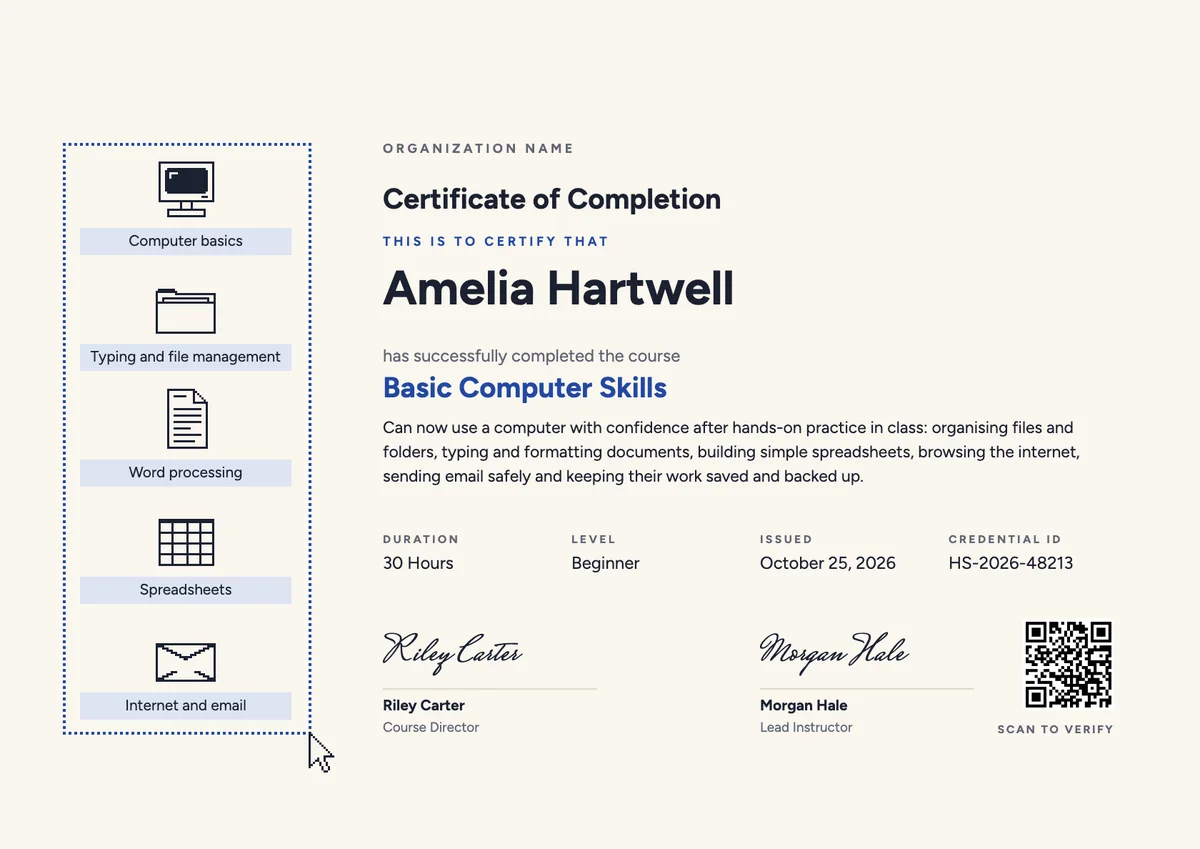
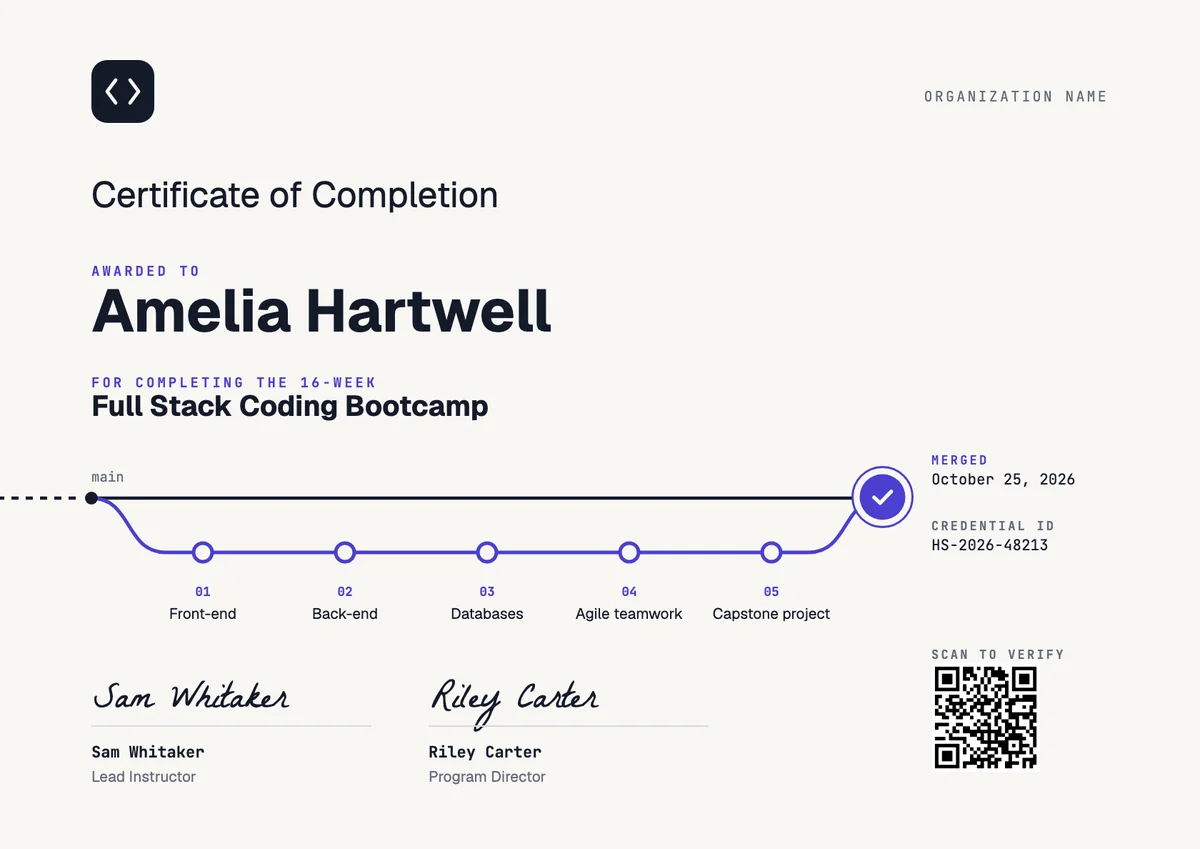
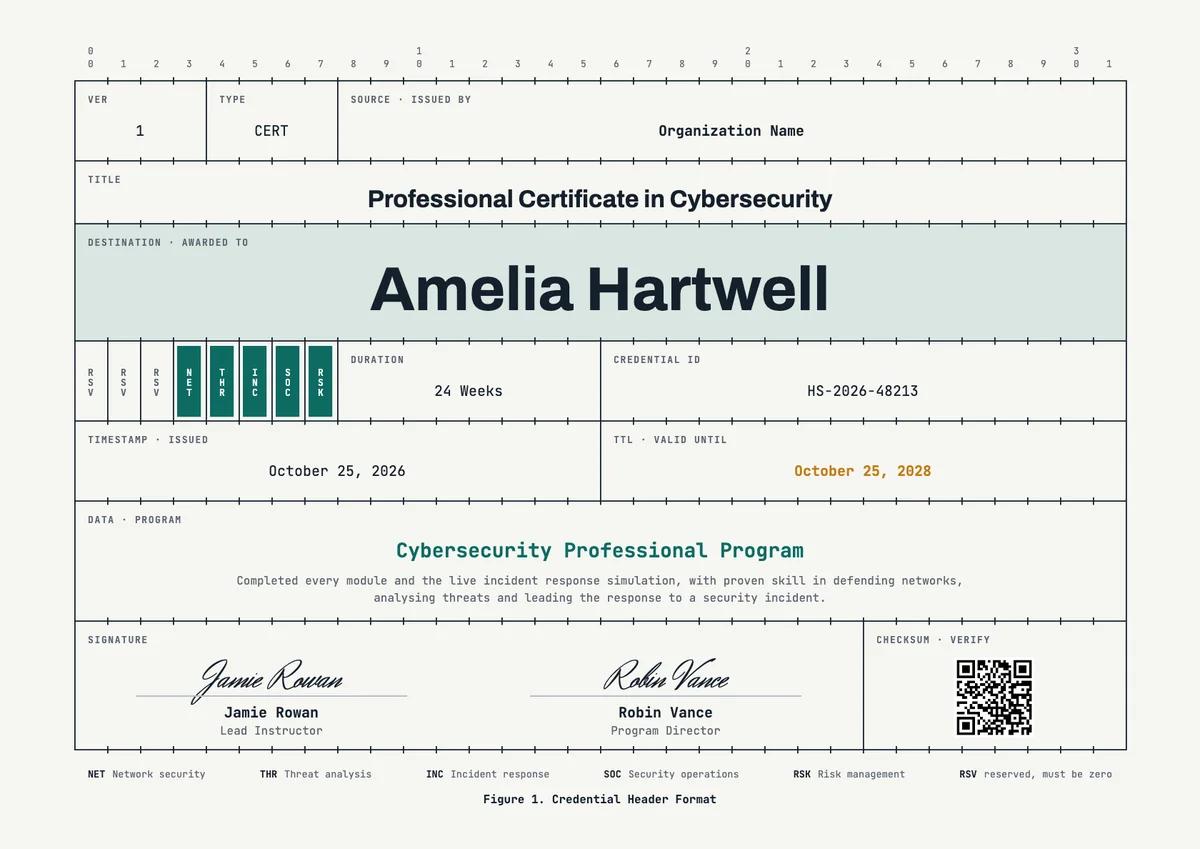
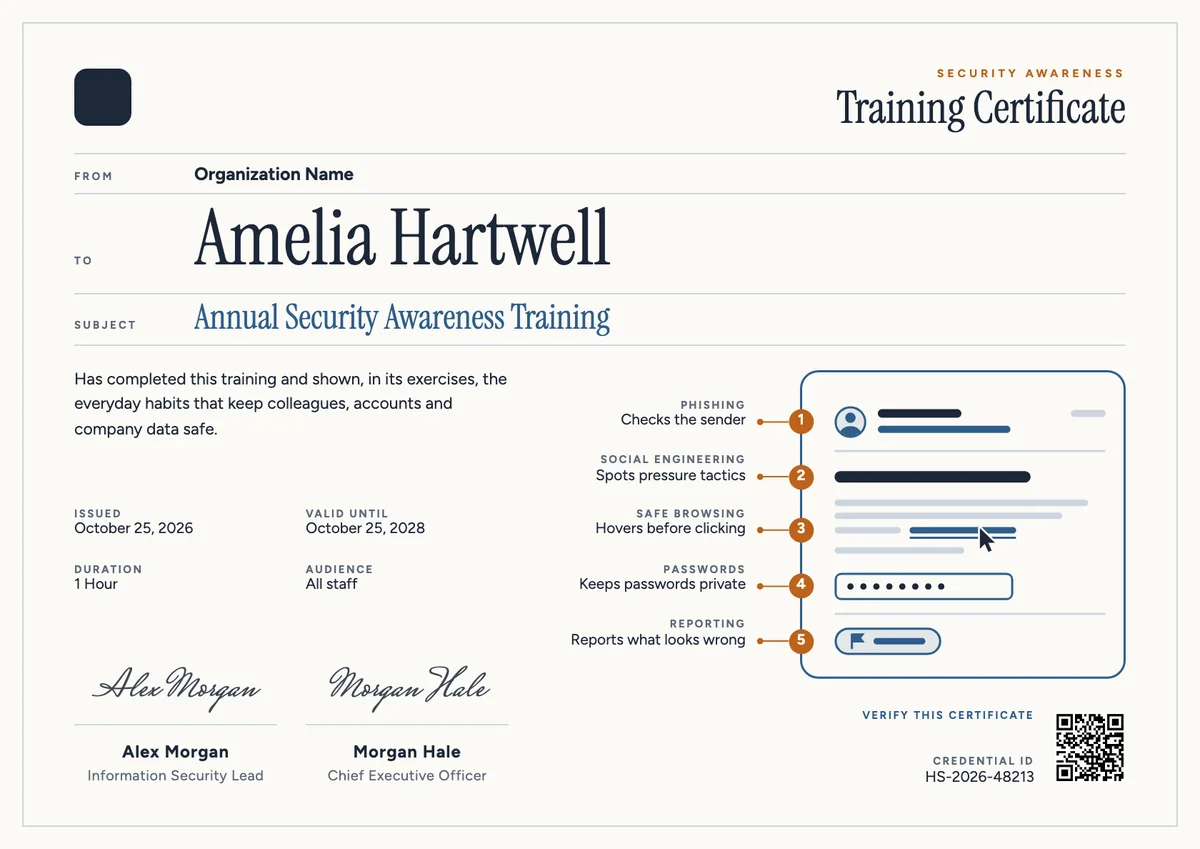
3 free designs. A set is one design as a badge, a landscape or a portrait certificate, or all three.
Free for up to 20 recipients a year
Architecture Diagram set
Badge · Landscape · Portrait
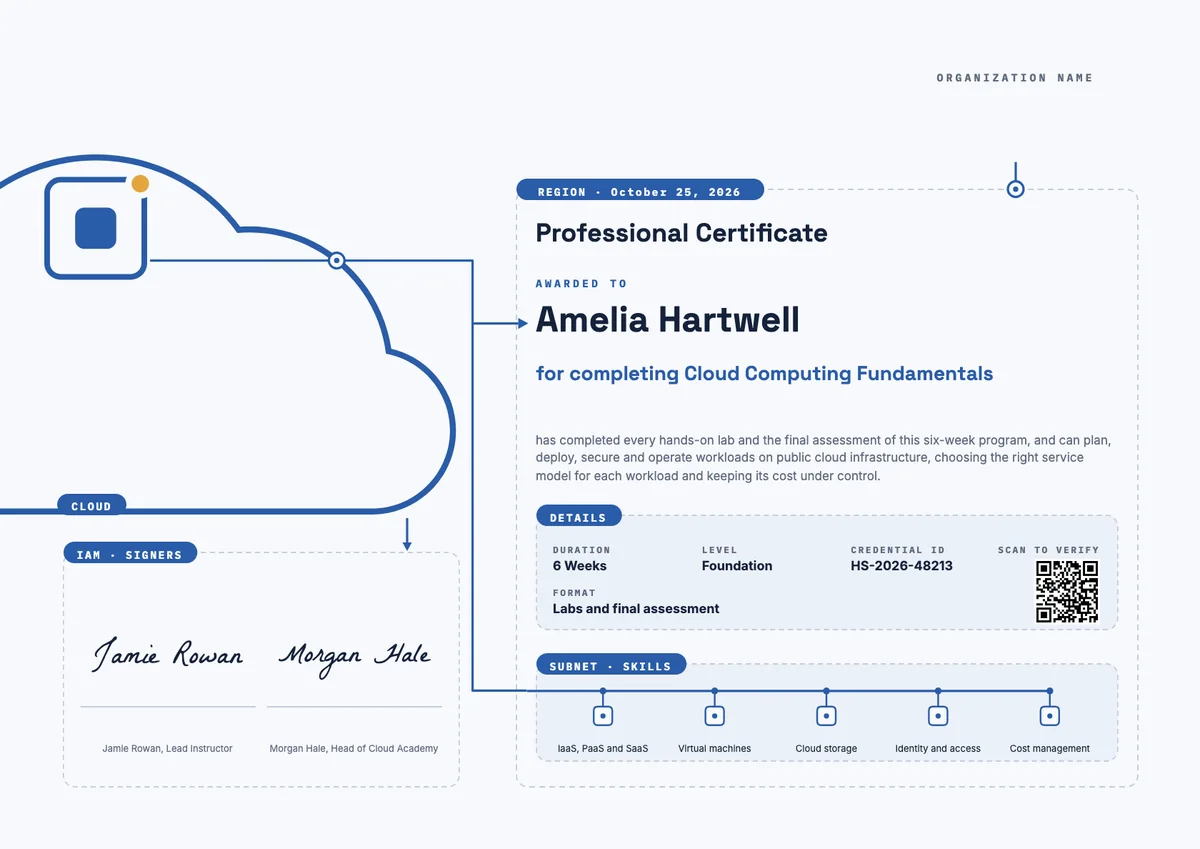
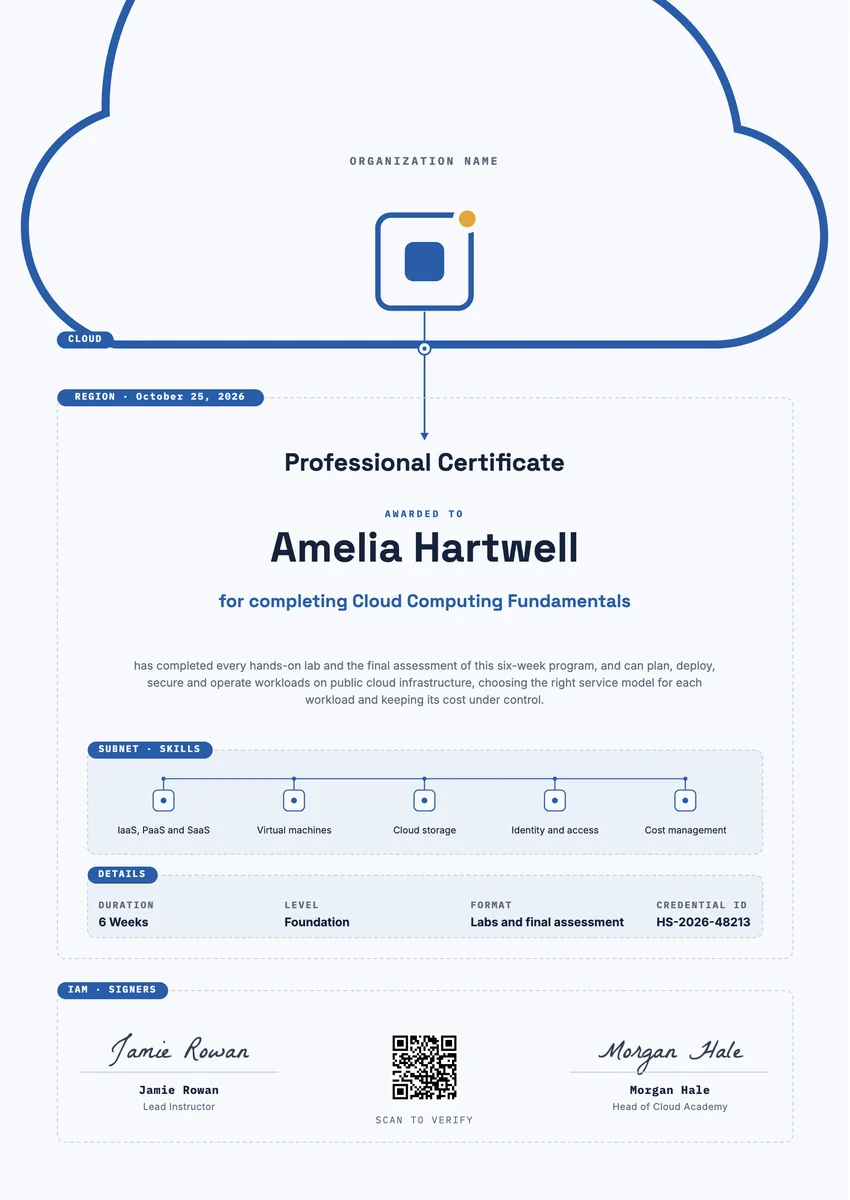
A cloud computing certificate template gives you a ready layout for awarding learners who finished a cloud course. Training providers, universities, bootcamps and company academies issue it after a program on IaaS, PaaS and SaaS, virtual machines, cloud storage, identity and access, and cost management, usually once the hands-on labs and a final assessment are passed.
A good cloud certificate for cloud computing courses names the program, lists the skills the person proved, shows the hours or weeks, and carries a date, a credential ID and a signature with a role. Cloud skills change quickly, so many issuers add a valid-until date. The designs here come as certificates for A4 and US Letter and as badges, so learners can print the award and also share it online.
Wording
What to write on a cloud computing certificate
Use these lines as they are, or as a start for your own. Every template comes with wording you can change in the studio.
Wording for a cloud computing fundamentals certificate
- “For completing all cloud labs and the final assessment of Cloud Computing Fundamentals.”
- “Awarded for a working knowledge of virtual machines, cloud storage and identity and access.”
- “In recognition of six weeks of study in cloud services and cost management.”
Cloud certification course wording for professional programs
- “Has shown the ability to design, deploy and manage services on a public cloud.”
- “For applied skill in IaaS, PaaS and SaaS models, tested in a practical assessment.”
Short lines for the badge or the email
- “Cloud computing fundamentals: completed.”
- “Certified in cloud basics.”
Why send it with Hyperstack
More than a PDF
Customize the template free. When it is ready, send it to everyone at once.
One design, every name
Upload a spreadsheet and Hyperstack makes a professional certificate for each person on it, in one go.
Sent by email
Each recipient gets their own email and link. You see who opened it, downloaded it and shared it.
Anyone can verify it
The QR code opens a page that proves the certificate is real. Recipients add it to LinkedIn in one click.
FAQ
Questions, answered
The person's name, the program title, a short statement of what they achieved, the skills covered, the hours or weeks, the date and a signature with its role. A credential ID helps employers check it.
No. A provider certification is an exam run by the cloud vendor. A course certificate comes from the school or company that taught the program. Say clearly which one you issue, and never imply a vendor endorsement you do not have.
List what the course taught: IaaS, PaaS and SaaS models, virtual machines, cloud storage, identity and access management, networking and cost management. Three to six items read best.
Often yes. Cloud services change fast, so many issuers set a valid-until date of one to three years and invite learners to renew with a refresher course.
Usually the course instructor or the head of the program, and sometimes a director of the school or the company. A second signature makes the award feel more official.
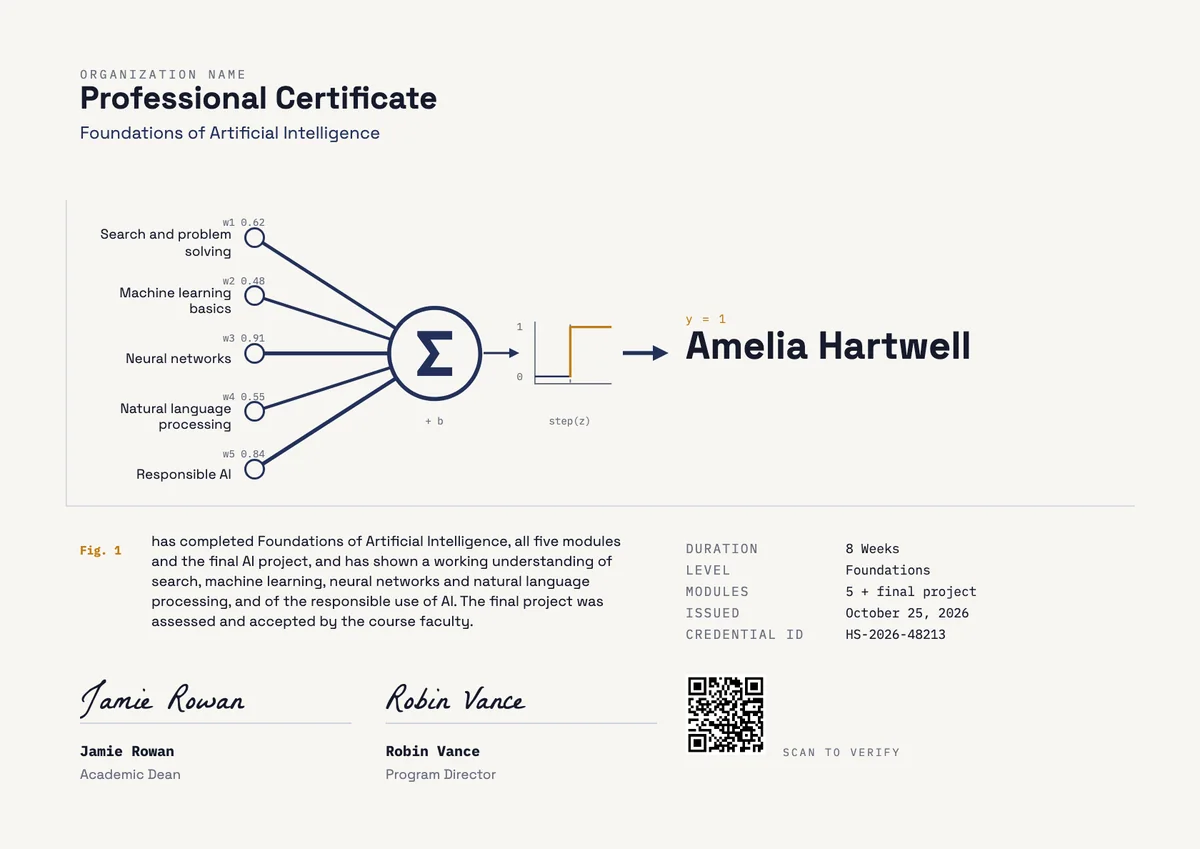
Your next cohort deserves better than a PDF
Set up in minutes, send your first credentials today, and only pay once you grow past 20 recipients a year.
Or open a live sample credential