Dental Assistant certificate templates and badges
3 free designs. A set is one design as a badge, a landscape or a portrait certificate, or all three.
Free for up to 20 recipients a year
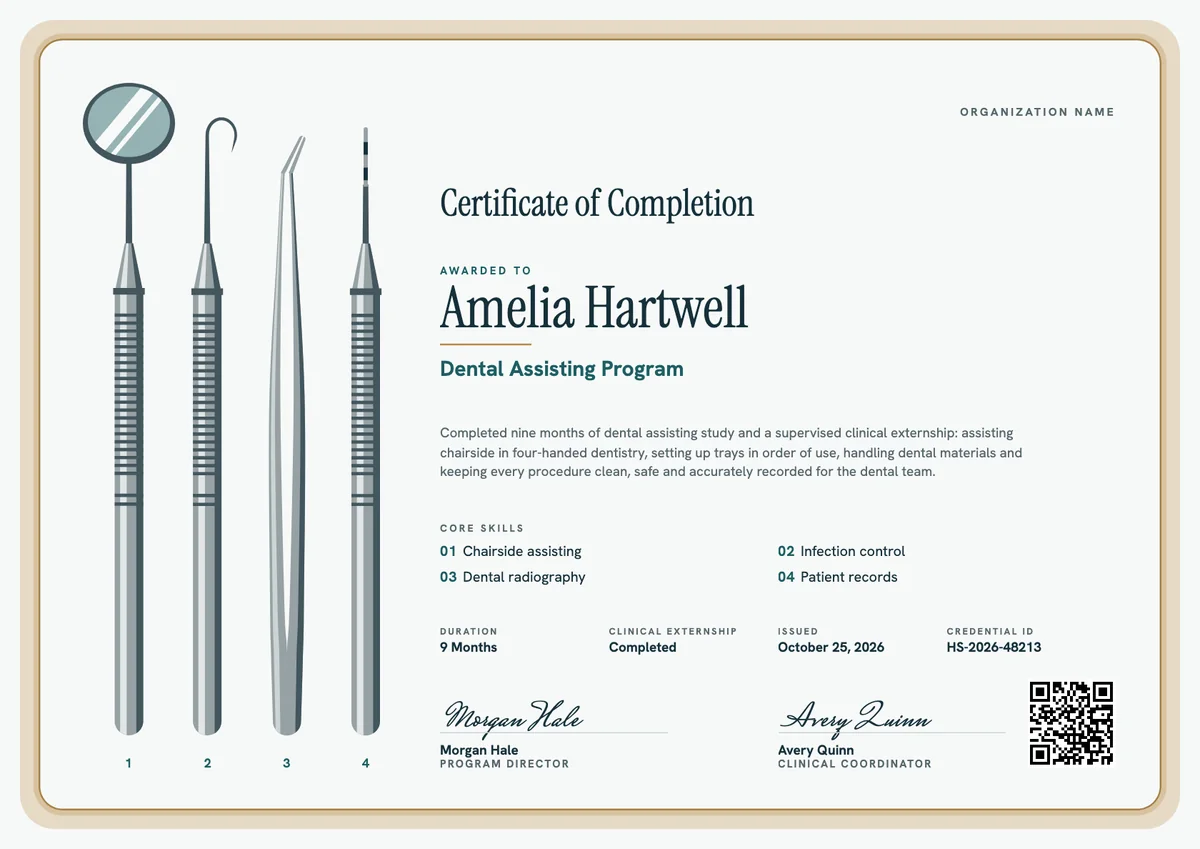
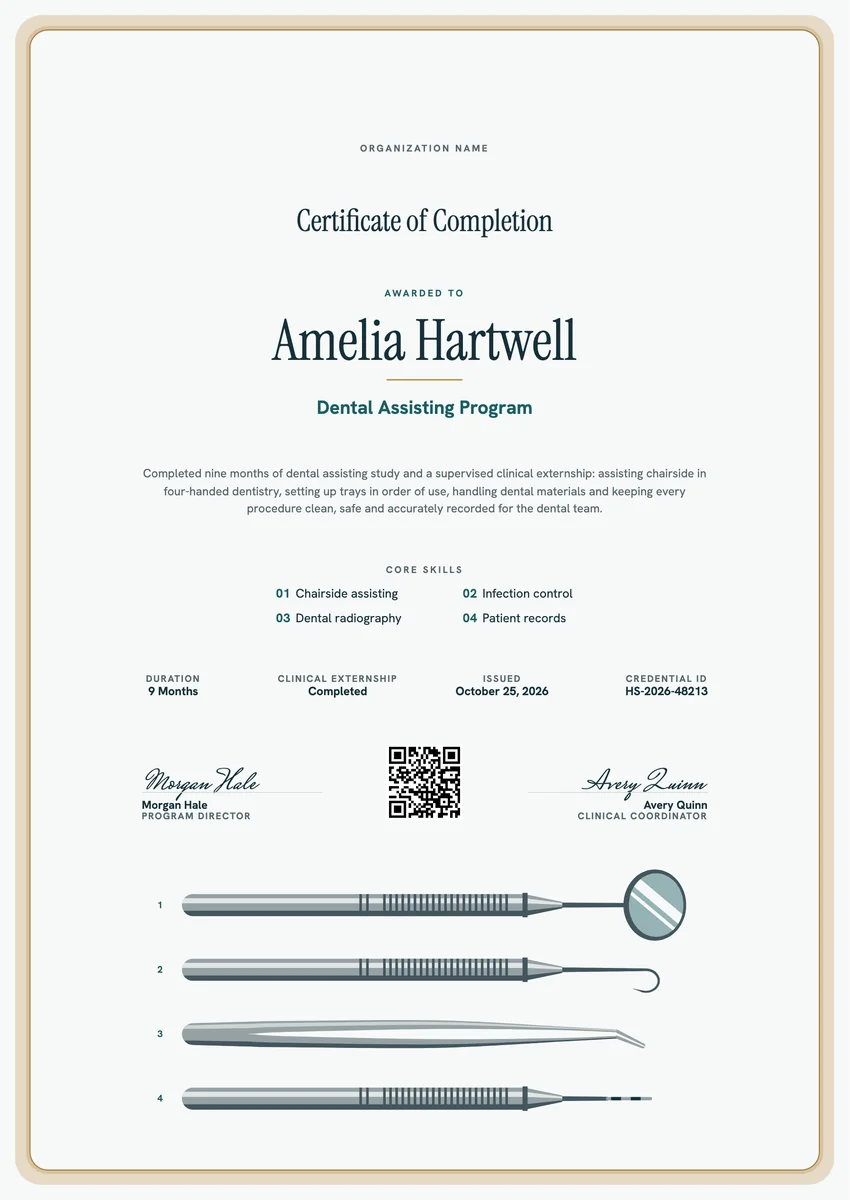
A dental assistant certificate template gives a dental assisting program a clear way to close the course: one page that records what the graduate studied, the clinical externship they finished and the day it all ended. Career schools, community colleges, adult education centres and dental groups that train their own staff hand it out at graduation or on the last day of the externship.
A good certificate of completion reads like the student's file in short form. It names the school and the program, the length or clock hours, the externship, the main skills practised chairside, the date and a credential ID, and it carries the program director's signature. Employers read it at the first interview, so keep the wording exact and plain.
Each dental certificate template here comes as a printable certificate in A4 and US Letter or as a digital badge to share online.
Wording
What to write on a dental assistant certificate
Use these lines as they are, or as a start for your own. Every template comes with wording you can change in the studio.
Wording for a dental assisting certificate of completion
- “Has completed the Dental Assisting Program, including classroom study, laboratory practice and a supervised clinical externship.”
- “For completing nine months of dental assisting training in chairside assisting, infection control, dental radiography and patient records.”
- “Awarded on successful completion of the program's coursework and its externship in a working dental practice.”
Wording for the externship and skills
- “Clinical externship: 160 hours of supervised chairside assisting in general dentistry.”
- “Skills practised: four-handed assisting, tray setup, sterilization of instruments, radiographs and dental materials.”
Short lines for a dental assistant badge
- “Dental assisting program complete. Ready for the chair.”
- “Coursework done, externship signed off, first tray set.”
Why send it with Hyperstack
More than a PDF
Customize the template free. When it is ready, send it to everyone at once.
One design, every name
Upload a spreadsheet and Hyperstack makes a certificate of completion for each person on it, in one go.
Sent by email
Each recipient gets their own email and link. You see who opened it, downloaded it and shared it.
Anyone can verify it
The QR code opens a page that proves the certificate is real. Recipients add it to LinkedIn in one click.
FAQ
Questions, answered
The school and the program name, the graduate's name, the date of completion and the length of the program in months or clock hours. Add the externship, four to six main skills, a credential ID that matches your records and the program director's signature. A QR code lets an employer check the certificate in a few seconds.
Certificate and diploma programs often take nine to twelve months, and some accelerated courses are shorter. Associate degree programs usually take about two years. Write the length your program really had, and add the clock hours if your school counts them, so the certificate matches the transcript.
List the main areas of the curriculum, not every task: for example chairside or four-handed assisting, infection control and instrument sterilization, dental radiography, impressions and dental materials, and patient records. Use the names from your own course outline, so the certificate and the student's file say the same thing.
Give it its own short line with the hours, for example "Clinical externship: 160 hours". The externship is where the student assisted with real patients under supervision, and employers look for it. You can also name the practice where it took place, but ask the practice first and keep that line small.
Usually the program director, who is often a dentist or an experienced dental assistant educator. Many schools add a second signer, such as the clinical or externship coordinator who supervised the chairside hours. Print each signer's name and role under the signature.
Your next cohort deserves better than a PDF
Set up in minutes, send your first credentials today, and only pay once you grow past 20 recipients a year.
Or open a live sample credential