Years of Service certificate templates and badges
3 free designs. A set is one design as a badge, a landscape or a portrait certificate, or all three.
Free for up to 20 recipients a year
Tree Rings set
Badge · Landscape · Portrait
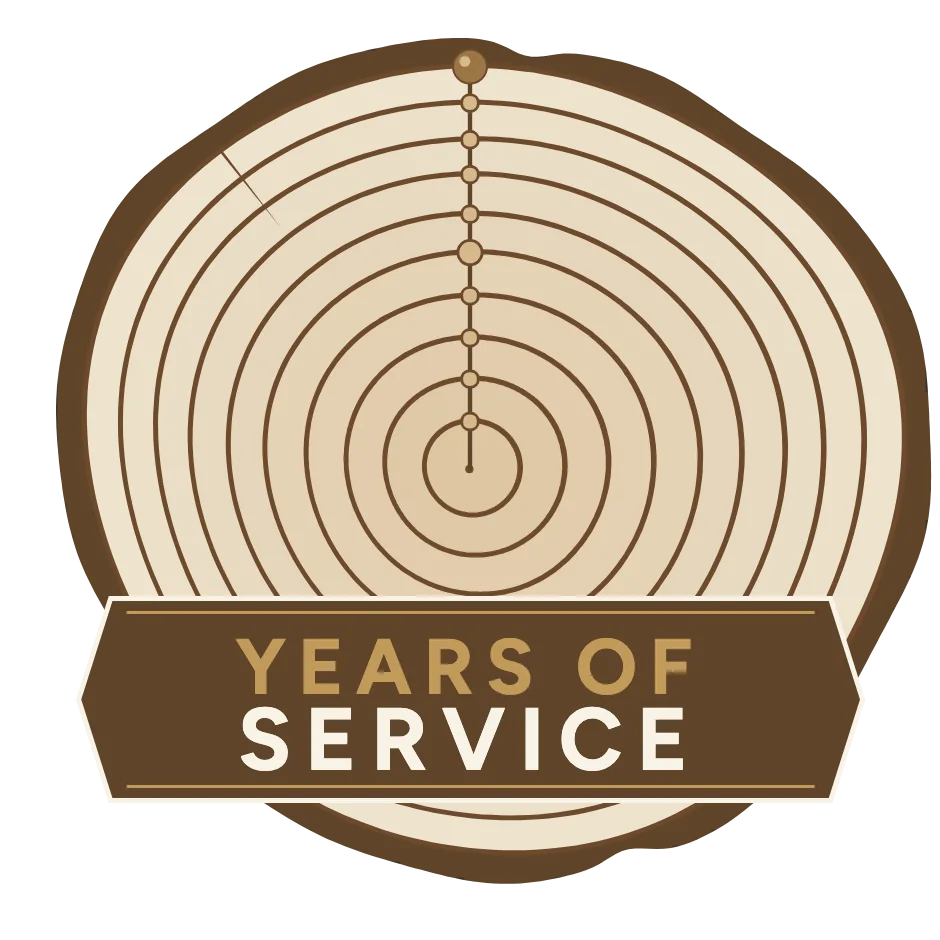
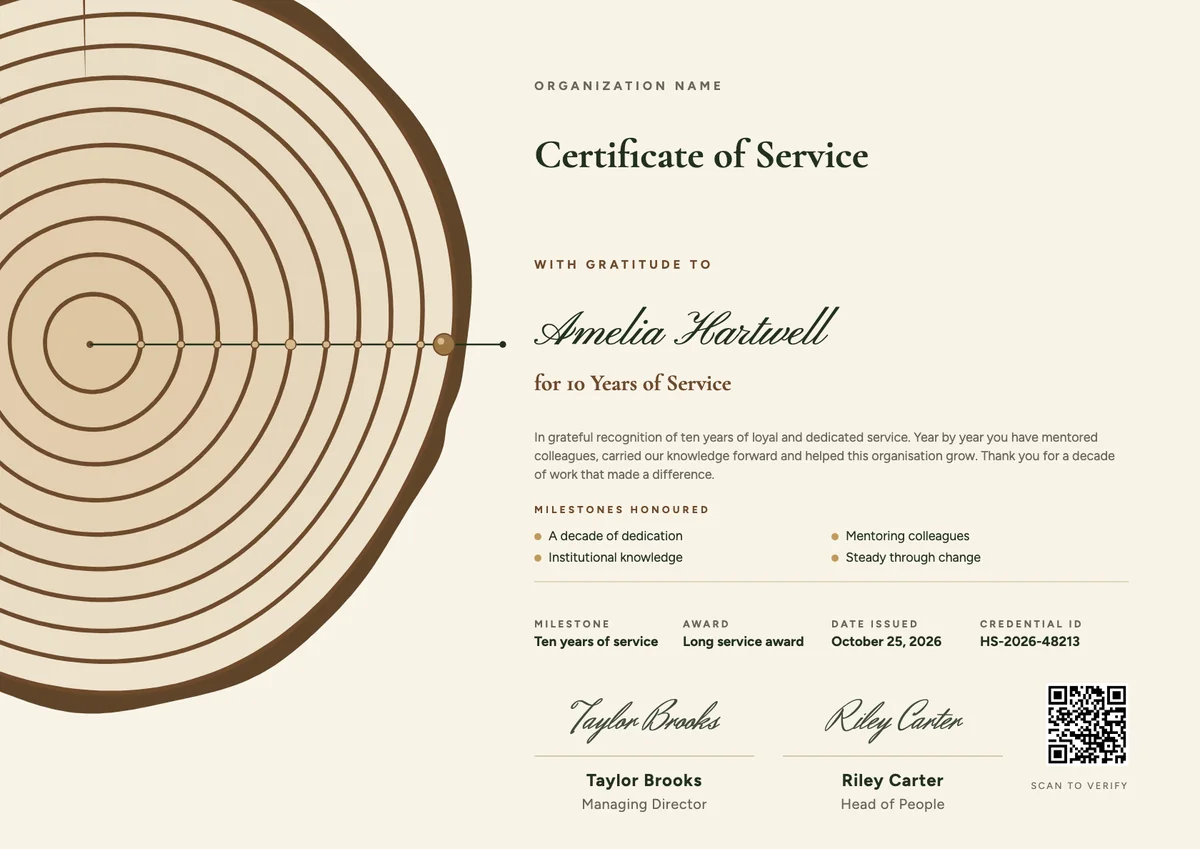
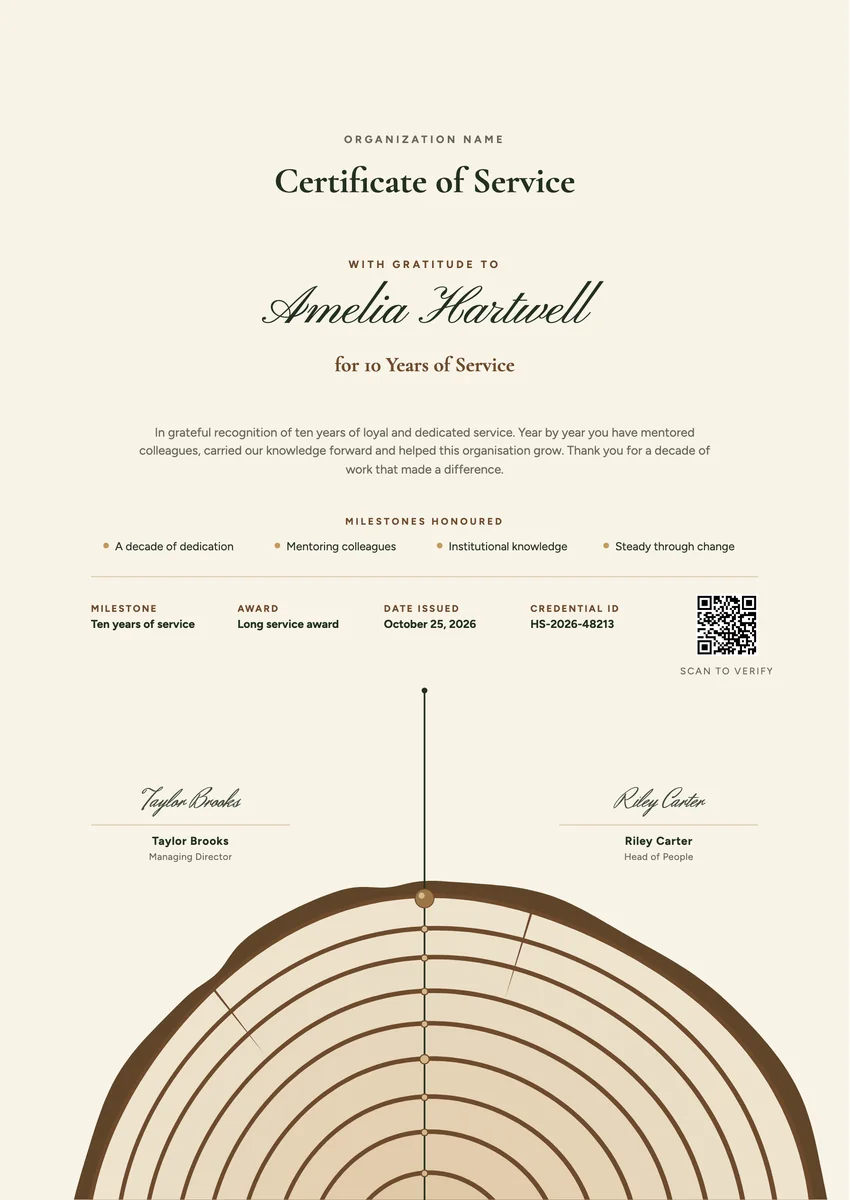
A years of service certificate template gives you a ready layout for thanking people who stayed: five years with a team, ten with a company, twenty-five with a school board or a hospital. HR teams hand them out at work anniversaries, annual award evenings and retirements, often next to a long service award such as a pin or a gift.
A good one names the milestone clearly, says what the person gave in that time, and carries a date and a signature from someone senior. You can print the certificate for the wall and send the same award by email, where colleagues can verify it and the recipient can add it to LinkedIn.
Wording
What to write on a years of service certificate
Use these lines as they are, or as a start for your own. Every template comes with wording you can change in the studio.
Wording for a 5 or 10 years of service award
- “In recognition of ten years of loyal and dedicated service.”
- “With thanks for five years of hard work, good humour and commitment to our team.”
- “For a decade of service that helped this organisation grow.”
Long service certificate wording for 20 years and more
- “In grateful recognition of twenty years of outstanding service and leadership.”
- “Honouring twenty-five years of dedication to our patients, our people and our community.”
- “For a career of service that shaped who we are today.”
Short lines for the badge or the email
- “Ten years and counting. Thank you.”
- “Celebrating five years with the team.”
Why send it with Hyperstack
More than a PDF
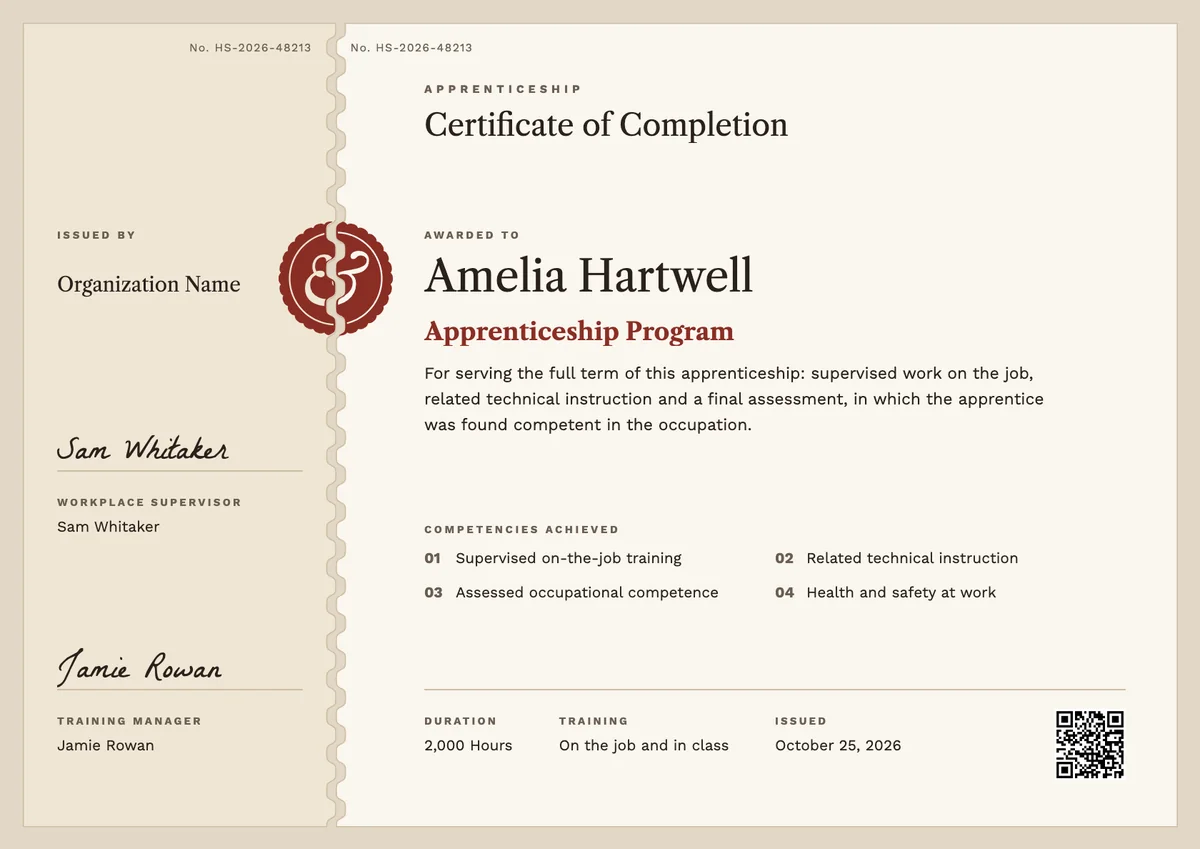
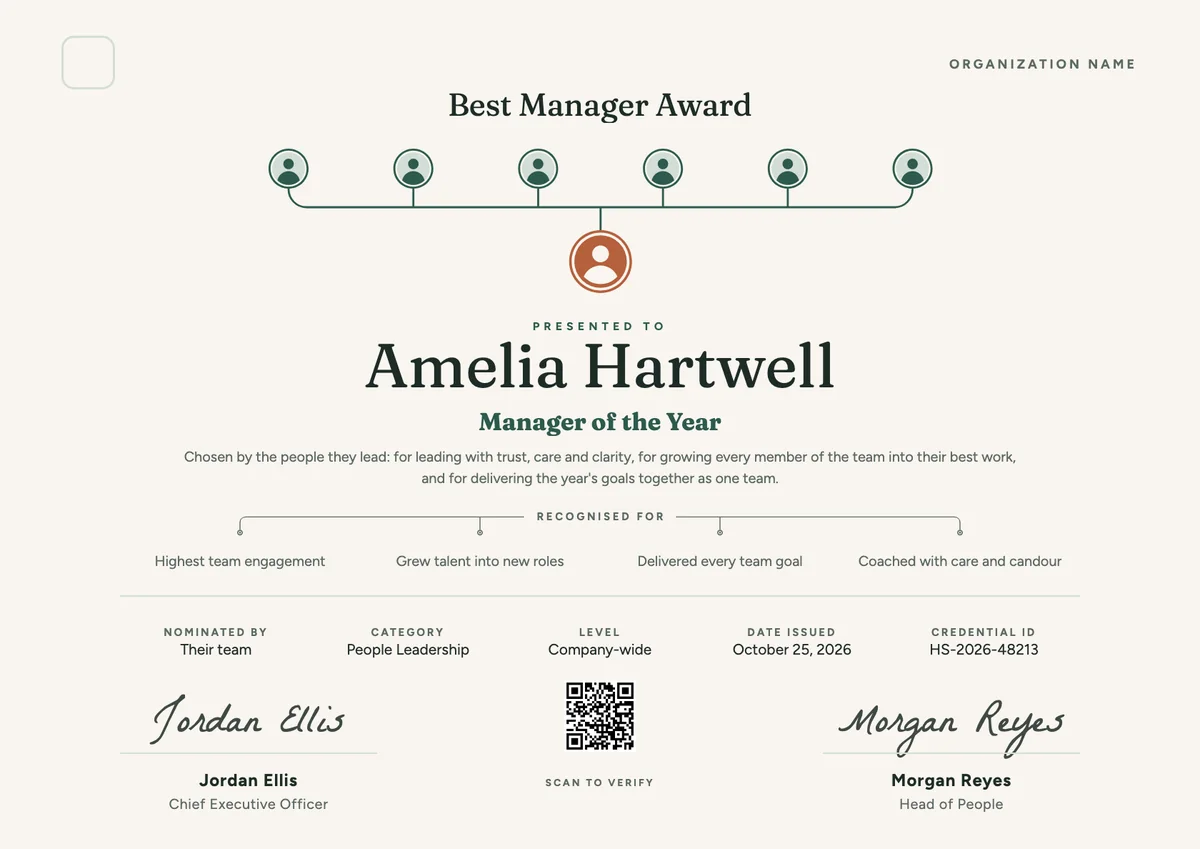
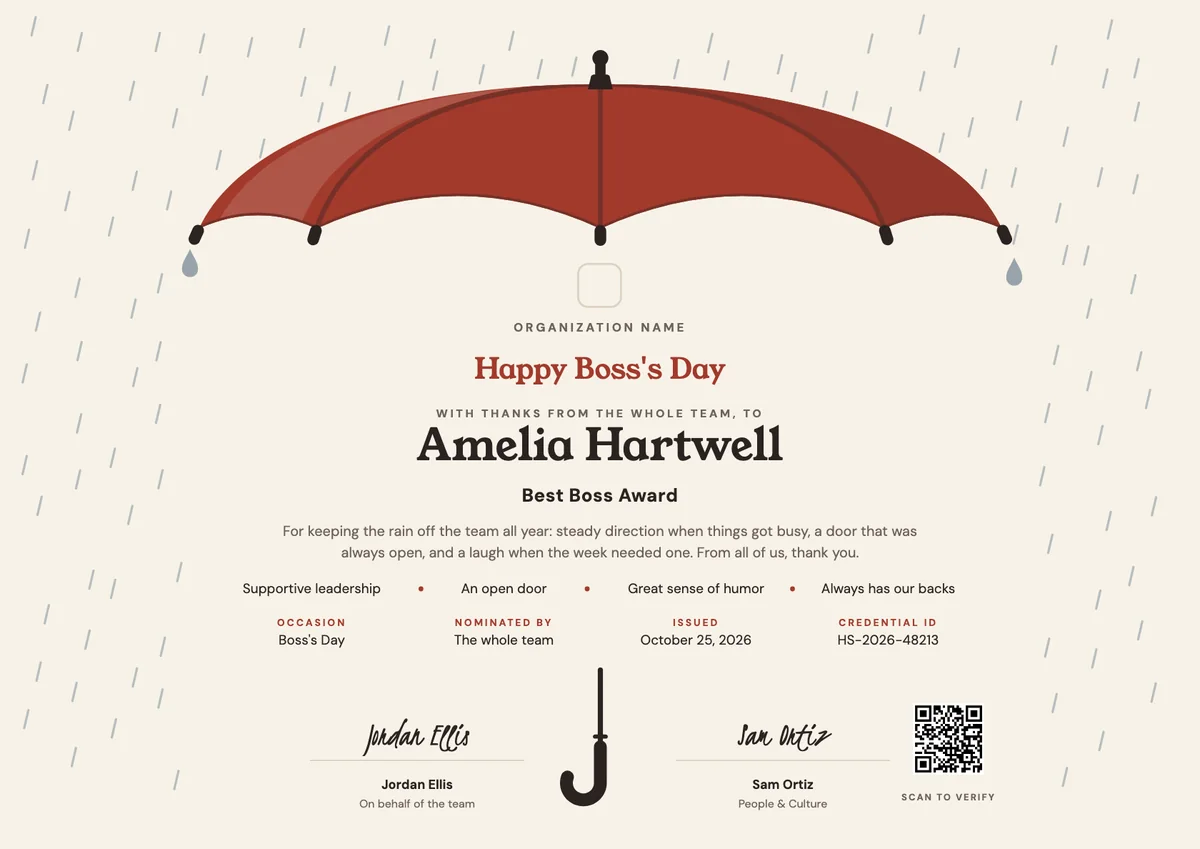
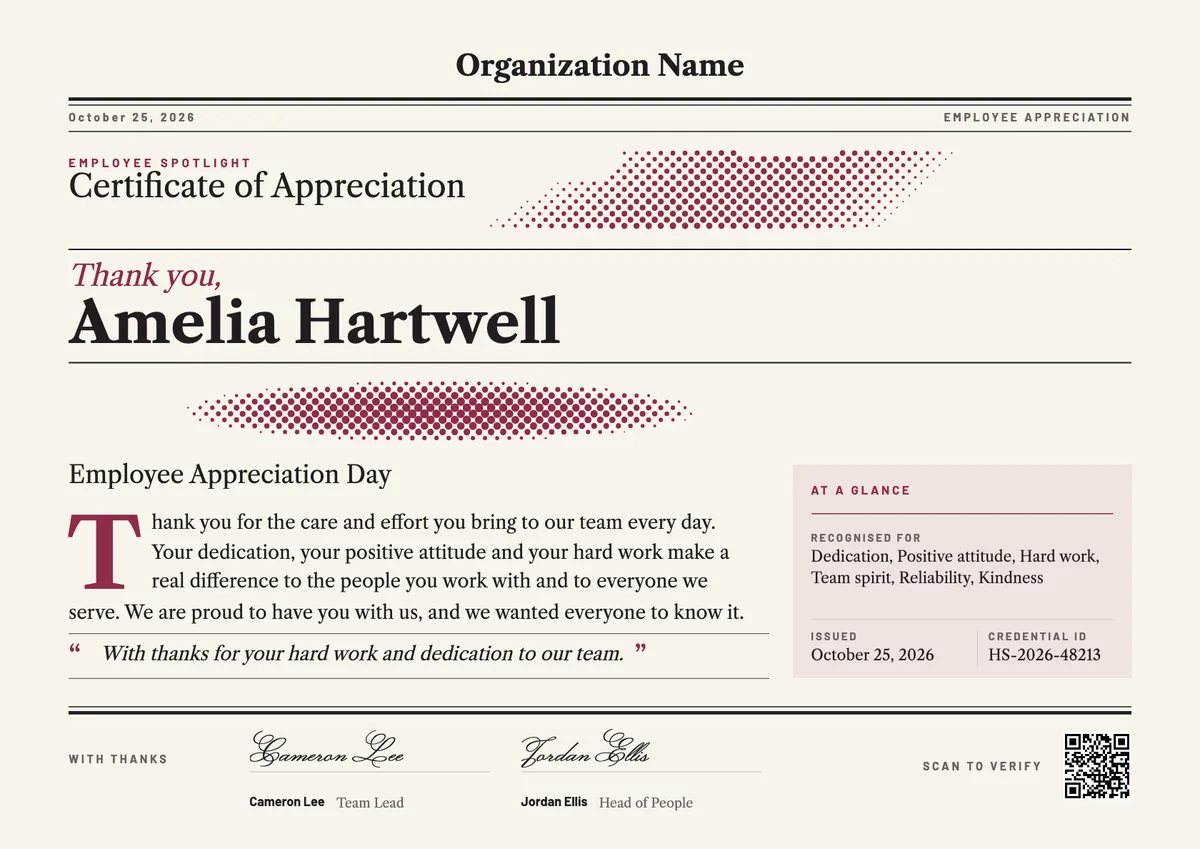
Customize the template free. When it is ready, send it to everyone at once.
One design, every name
Upload a spreadsheet and Hyperstack makes a certificate of service for each person on it, in one go.
Sent by email
Each recipient gets their own email and link. You see who opened it, downloaded it and shared it.
Anyone can verify it
The QR code opens a page that proves the certificate is real. Recipients add it to LinkedIn in one click.
FAQ
Questions, answered
Most organisations mark 5, 10, 15, 20 and 25 years, and some add 1 and 3 years for new staff. Pick a fixed set of milestones and use the same design for all of them, changing only the number, so the awards feel consistent.
The person's name, the milestone (for example 10 Years of Service), a line of thanks, the date and a signature with its role. Many add what the person contributed, such as mentoring colleagues or leading a team.
No. The rings are part of the drawing and stand for years of growth in general, so one design works for 5, 10 or 25 years. Change the milestone, the statement and the skills in the studio, and the certificate fits any anniversary.
Usually the chief executive or managing director, often with the head of HR or the person's direct manager. Two signatures make the award feel more official.
Yes. Upload a spreadsheet with each person's name, email and milestone, and Hyperstack issues a personal certificate and badge to each of them and emails it on the day.
Yes. A gift is used up or put away, but a certificate is a record. A digital one also lives on the recipient's profile, where friends and future employers see it.
More certificate templates
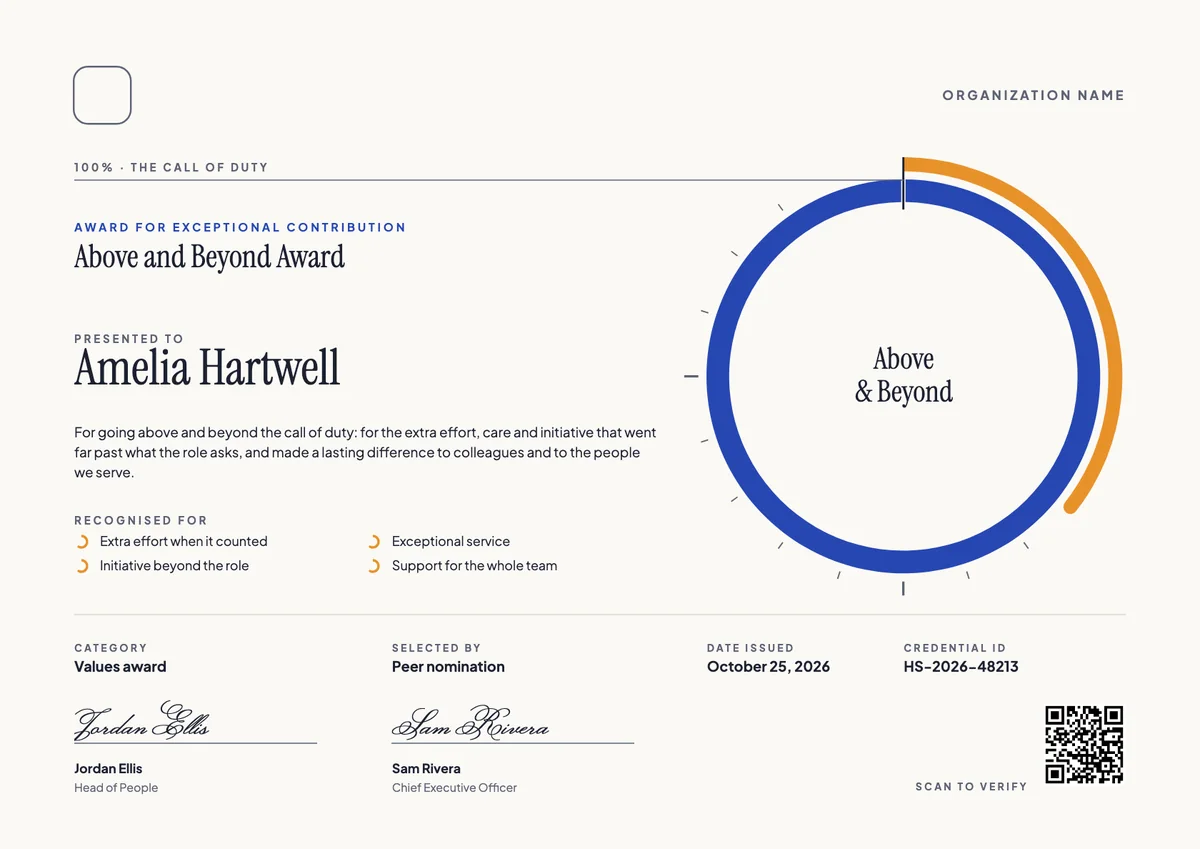
Your next cohort deserves better than a PDF
Set up in minutes, send your first credentials today, and only pay once you grow past 20 recipients a year.
Or open a live sample credential