HR Management certificate templates and badges
3 free designs. A set is one design as a badge, a landscape or a portrait certificate, or all three.
Free for up to 20 recipients a year
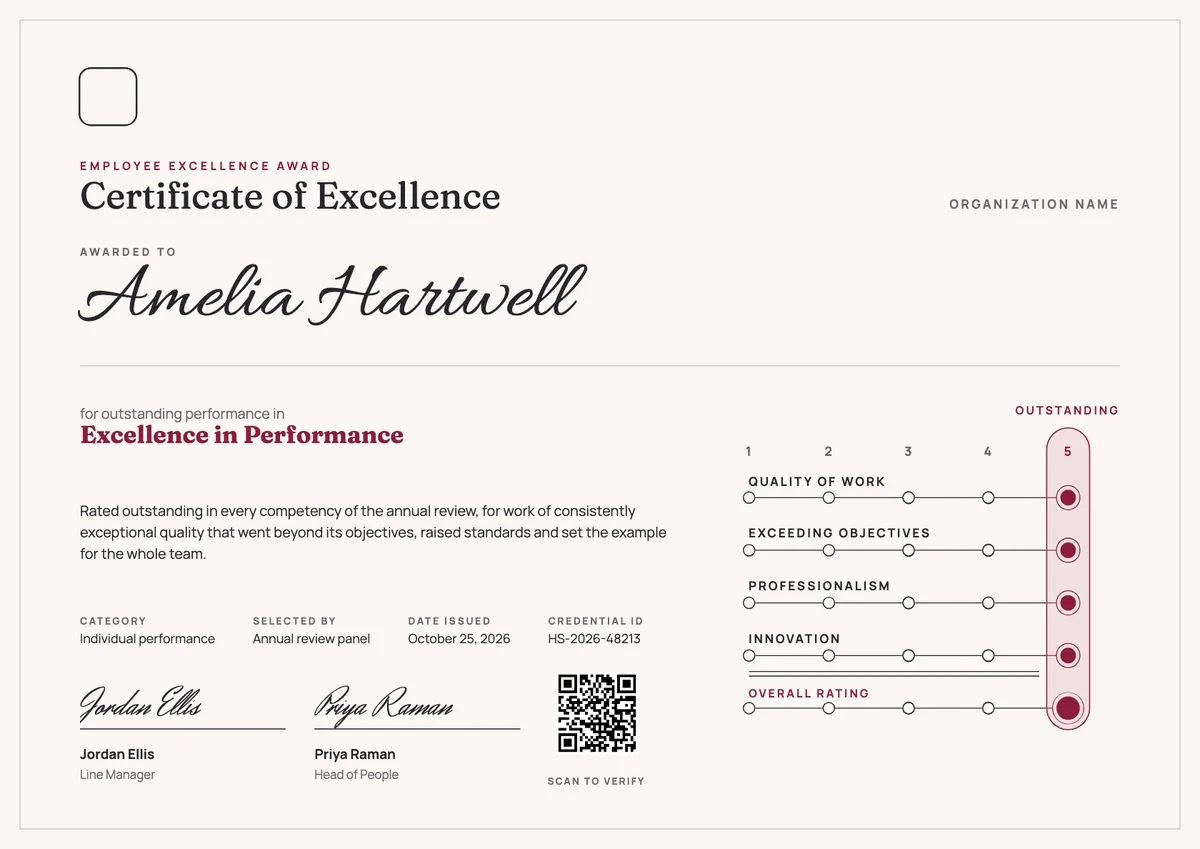
Lifecycle Ring set
Badge · Landscape · Portrait
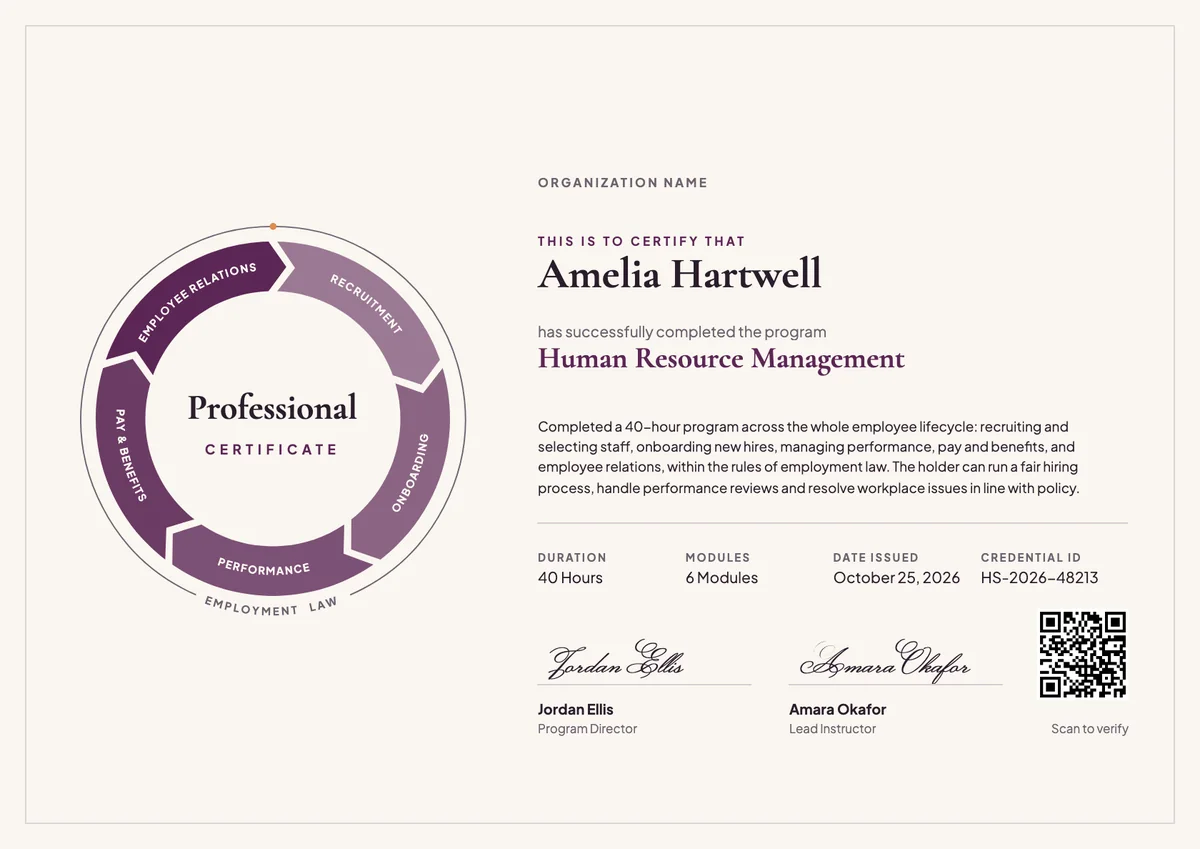
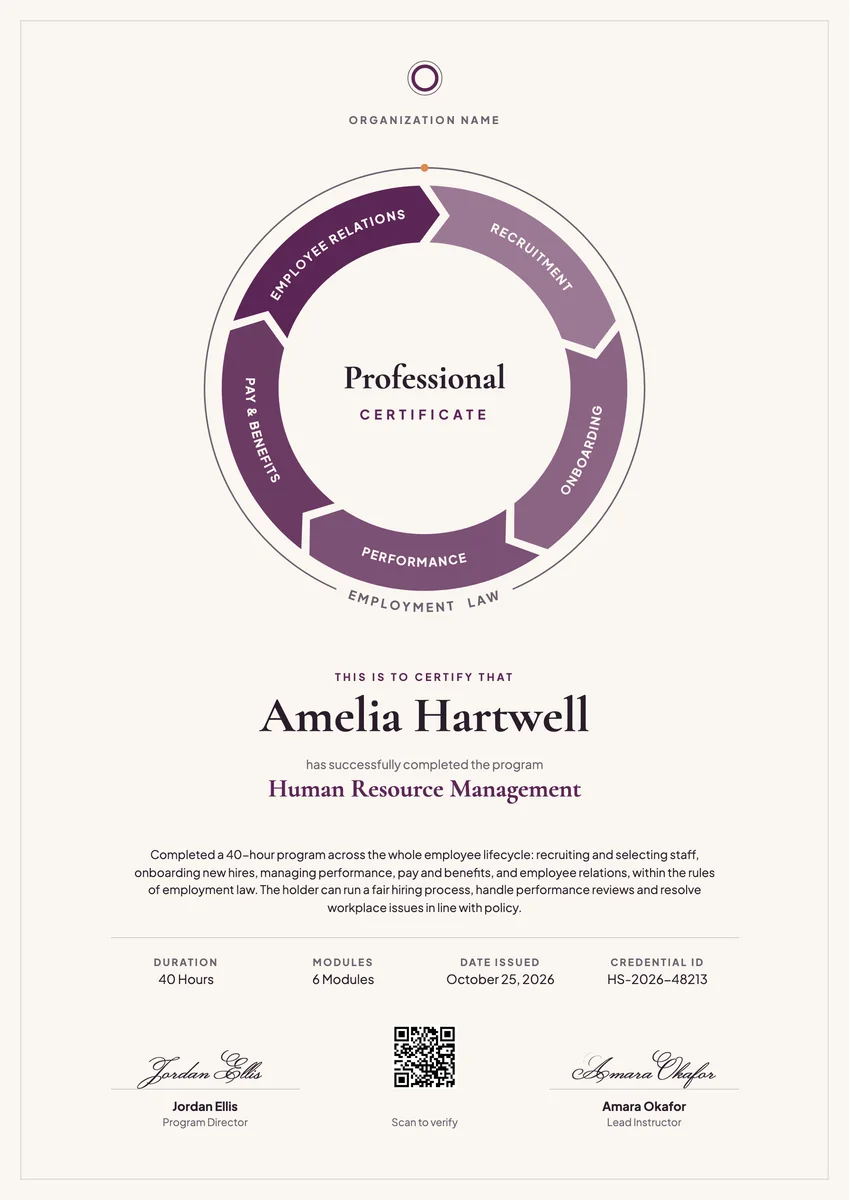
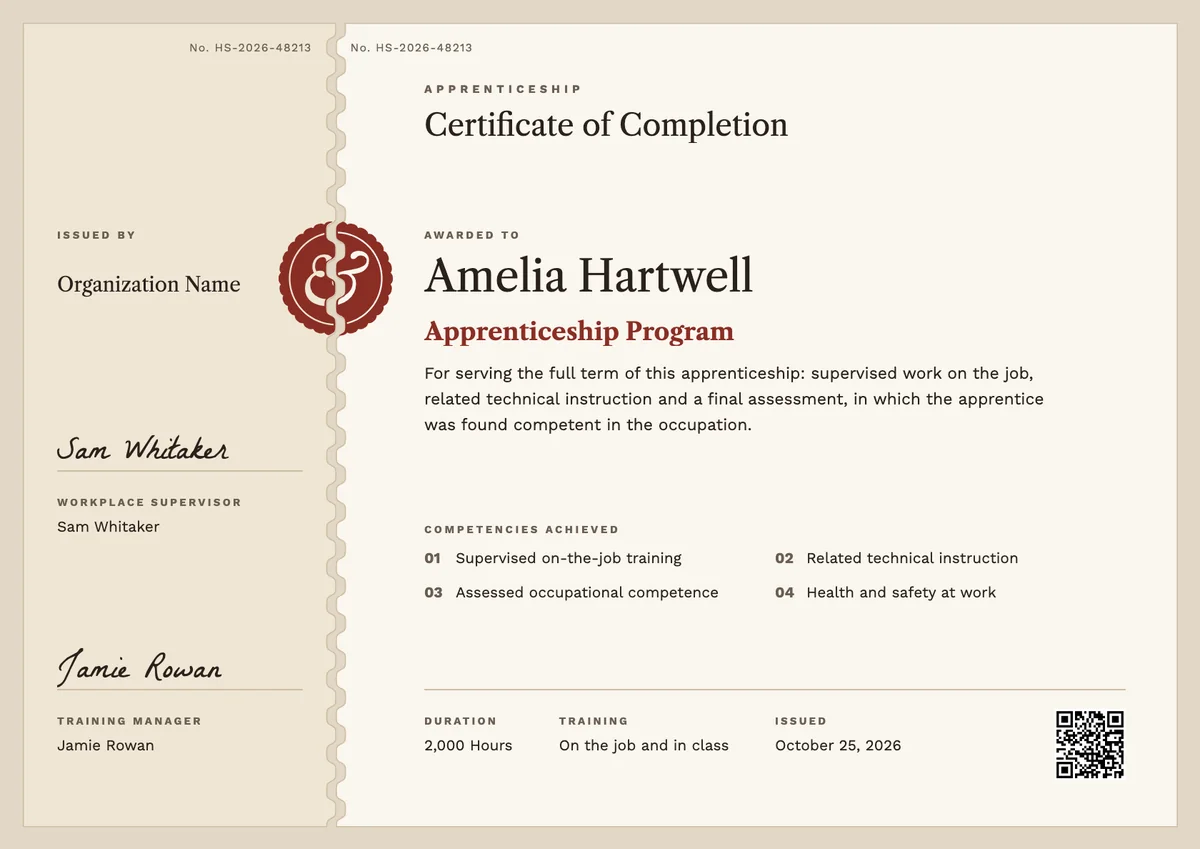
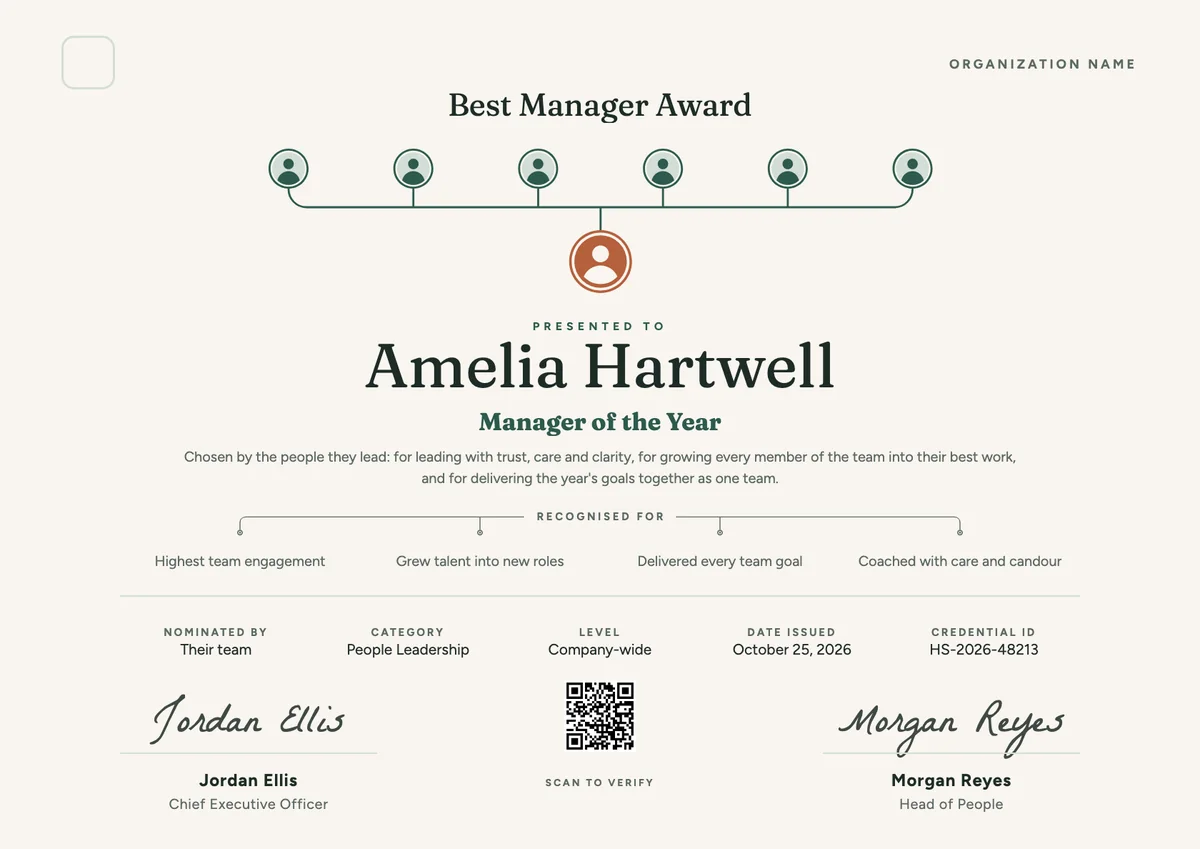
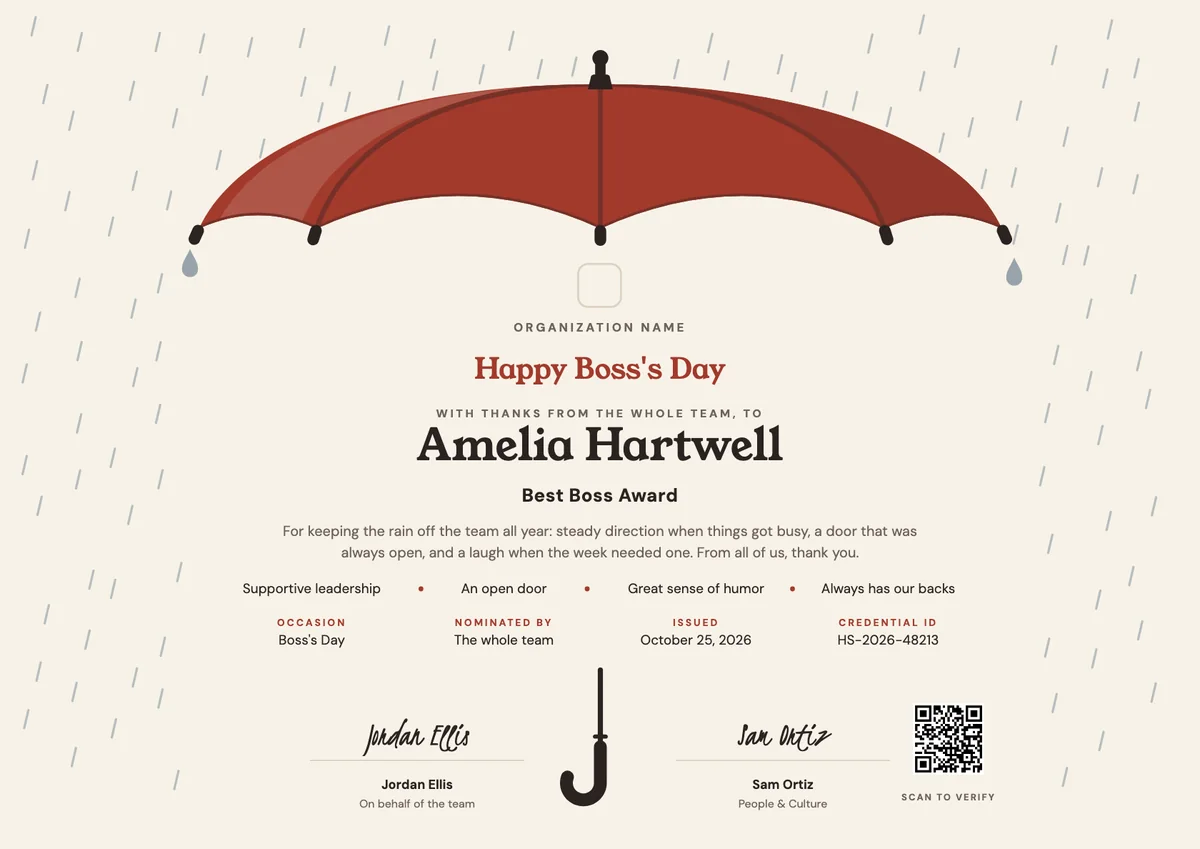
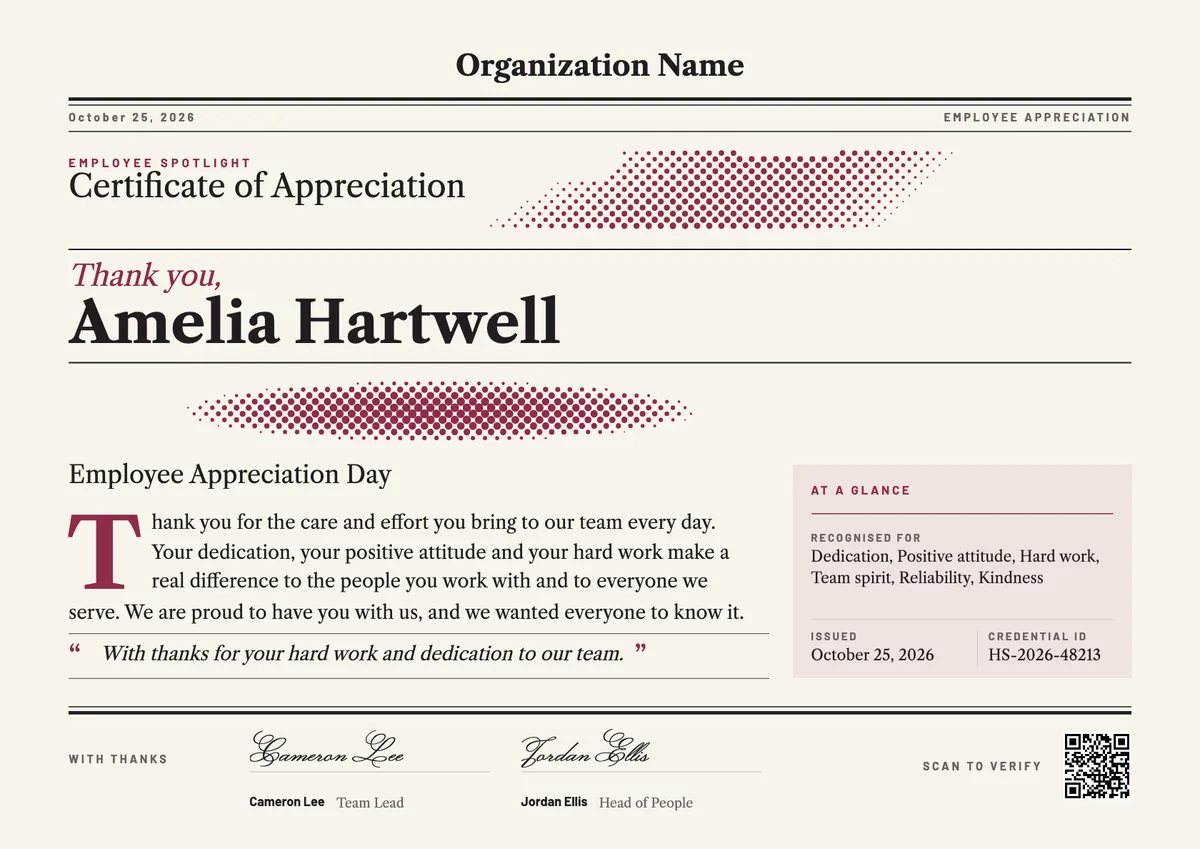
An HR certificate template gives training providers, colleges and company academies a ready layout for the people who finish a human resource management course. Learners are often new HR coordinators, line managers who now hire and review staff, or generalists building a firmer grounding in the field.
A good human resources certificate is a short record of the course, not just a name on a page. It states the program, the hours or modules, the main areas covered, such as recruitment, onboarding, performance, reward, employee relations and employment law, plus the issue date, a credential ID and the signature of the program director or lead trainer.
The designs come as certificates in A4 and US Letter and as digital badges, so you can print one for the wall and send the same award by email for the learner to verify and share.
Wording
What to write on a hr management certificate
Use these lines as they are, or as a start for your own. Every template comes with wording you can change in the studio.
Wording for a human resource management certificate
- “Has successfully completed the Human Resource Management program, covering recruitment, performance, reward and employee relations.”
- “For completing 40 hours of study in the practice of people management and the basics of employment law.”
- “In recognition of the knowledge and skills to support fair, consistent HR practice at work.”
Statements of what the holder can do
- “The holder can run a fair hiring process from job description to offer.”
- “Able to plan onboarding, hold performance conversations and handle grievances in line with policy.”
- “Has shown a working knowledge of pay, benefits and the employment rules that apply to them.”
Short lines for an HR badge
- “HR Management: course complete.”
- “People practice, from hire to exit.”
Why send it with Hyperstack
More than a PDF
Customize the template free. When it is ready, send it to everyone at once.
One design, every name
Upload a spreadsheet and Hyperstack makes a professional certificate for each person on it, in one go.
Sent by email
Each recipient gets their own email and link. You see who opened it, downloaded it and shared it.
Anyone can verify it
The QR code opens a page that proves the certificate is real. Recipients add it to LinkedIn in one click.
FAQ
Questions, answered
Most programs follow the employee lifecycle: recruitment and selection, onboarding, performance management, compensation and benefits, employee relations and exit, with employment law running through all of them. Longer courses add workforce planning, learning and development, and HR data.
No. A course certificate shows that the person completed your program. Professional certifications are awarded by HR associations after their own exams and experience rules. Name your certificate after your course and do not use another body's title or logo unless you are approved to.
Usually the program director or head of learning, often with the lead trainer who assessed the work. When an employer trains its own HR team, the HR director or chief people officer is a common second signature.
Yes. Hours, modules and the topics covered help an employer judge what the course was worth, and some people need them to log continuing professional development. Add an assessment or grade if the course had one.
A completion certificate records a course taken on a date and normally has no end date. Employment law and policy change, though, so many employers ask HR staff and managers to take a refresher every one to three years; if yours does, add a valid-until date and set a renewal period.
More certificate templates
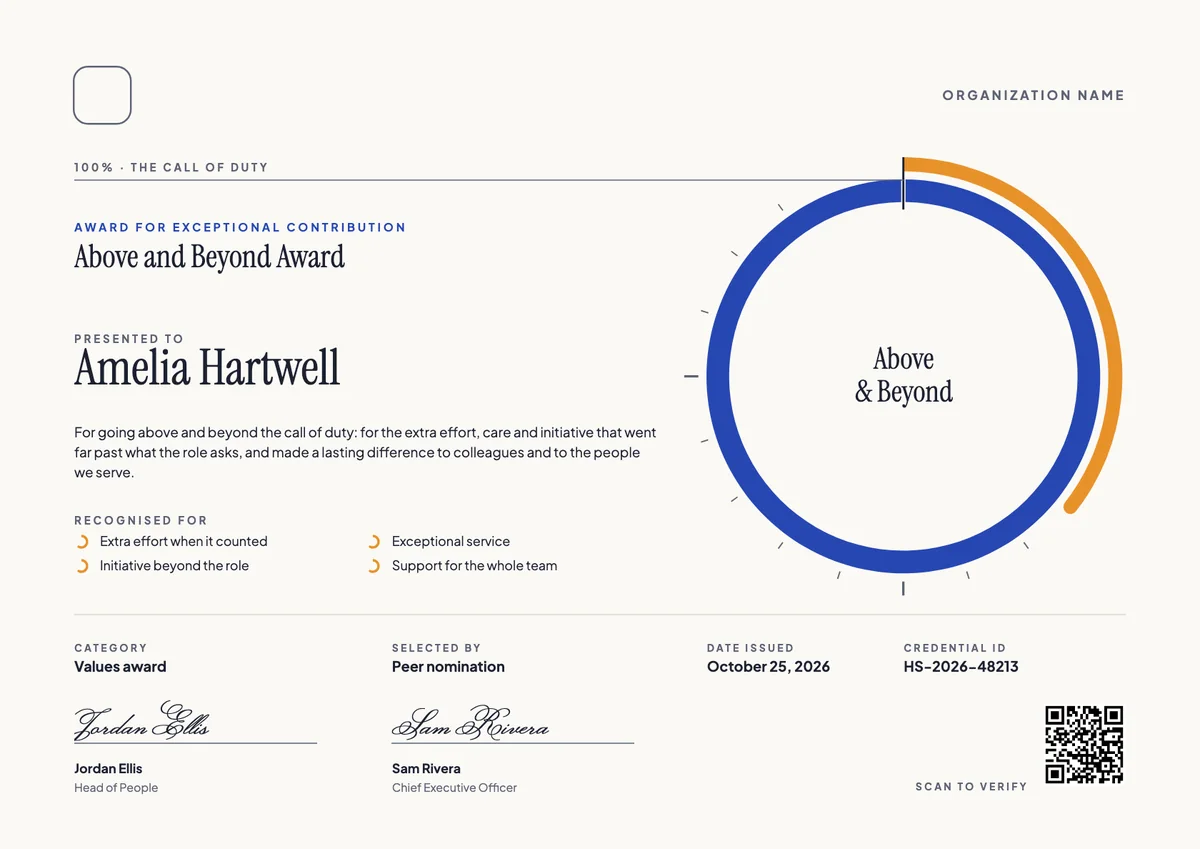
Your next cohort deserves better than a PDF
Set up in minutes, send your first credentials today, and only pay once you grow past 20 recipients a year.
Or open a live sample credential