Spot The Signs Cybersecurity Awareness Training Badge
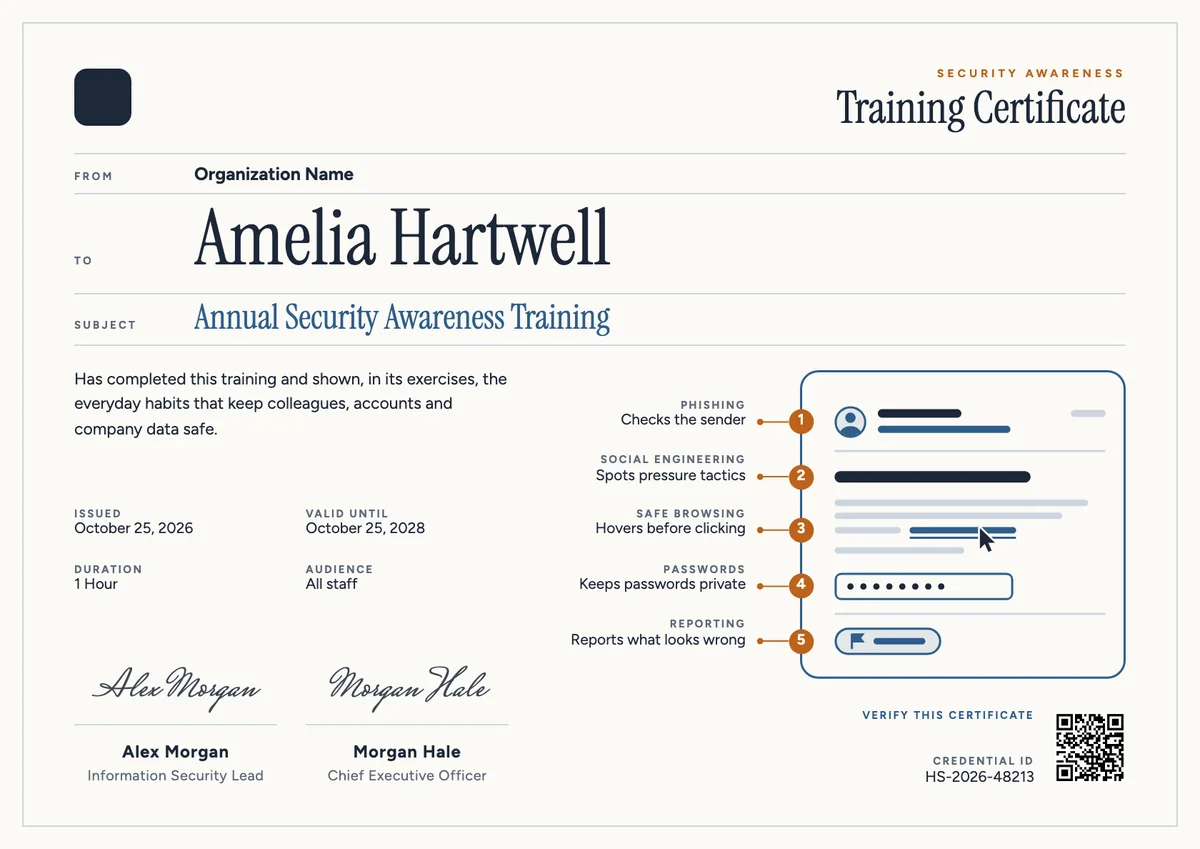
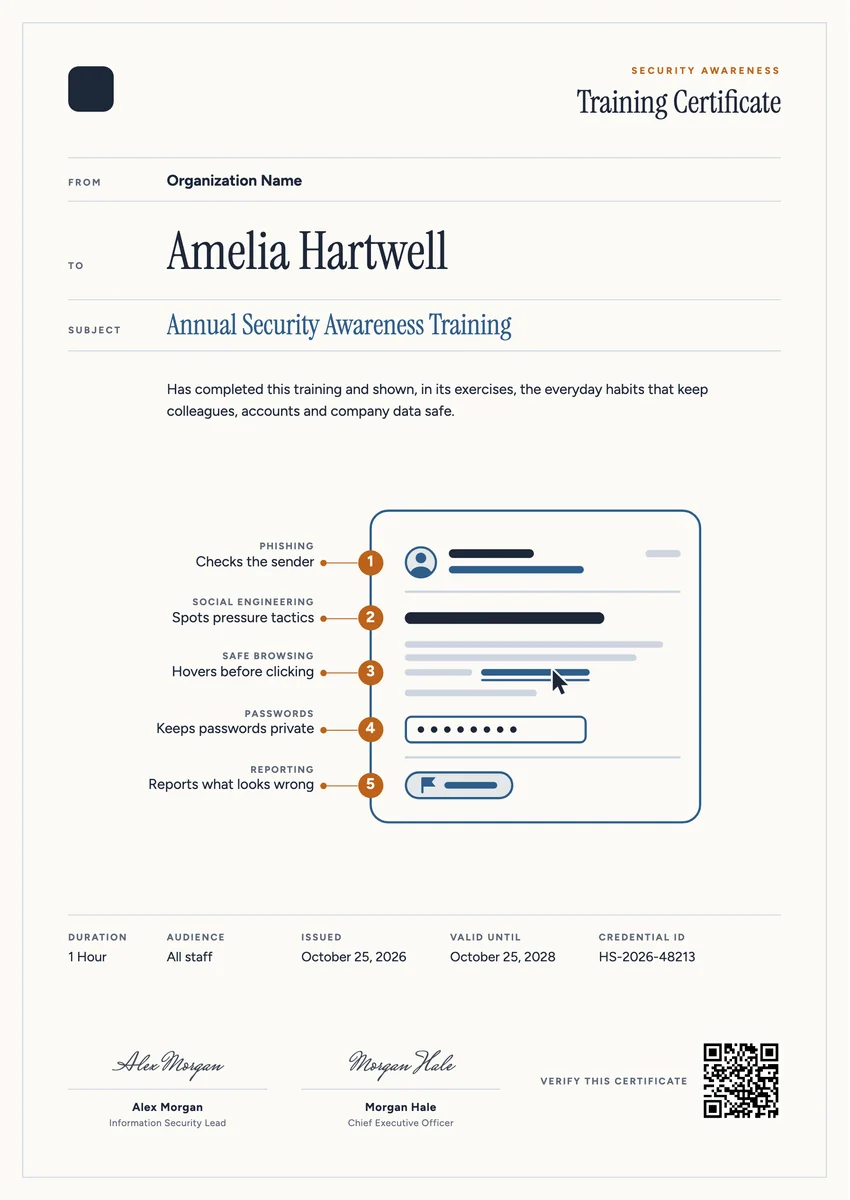
Matching certificates
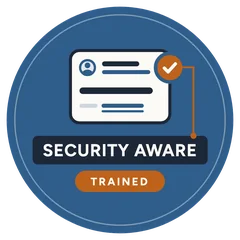
A digital badge for employees who complete security awareness training: a checked email card on a blue roundel with the words Security Aware and Trained.
Use this design
Add your logo and wording, then send it to everyone at once, each with a link anyone can verify.
Start freeFree for up to 20 recipients a year
Share this design
- Round badge, readable at profile-picture size
- Your logo, colours and wording
- Each badge links to a verified record
- Matching certificates in the same design
Updated 30 October 2026 · Designed by the Hyperstack studio
See it where it lives
Drawn to read at small sizes
A badge is mostly seen small. These are its real sizes on screen.
On a profile
120 px
In a list of badges
64 px
In an email signature
40 px
What is on it
A badge people are proud to show
You write once
The same for everyone. Keep the template’s words or change them.
- Badge words
- Training Certificate
Filled in for each person
Hyperstack fills these from your list when you send.
- The recipient’s name and the award, in the badge’s verified record
- The issue date and a credential ID
- A link anyone can click to verify it
Specifications
Sizes, fonts and colours
Sizes
- Badge
- 470 × 470 px, round · Reads at 120 px on a profile
Colours
- Paper#fbfaf6
- Ink#1d2738
- Accent#2f5d8a
- Second accent#bd621b
- Muted text#5d6878
Change any colour in the studio.
Design notes
The emblem distils the set's annotated email to one card: a sender row, a dark subject bar and an underlined blue link, with an amber marker holding a check at the sender and a short leader running down to the words. SECURITY AWARE sits on a navy band and TRAINED on an amber tab, set large enough to read at profile size. A calm, friendly choice for IT, HR and compliance teams that want recognition without alarm.
About
Cyber Security Awareness Badge Template, Checked Email
A badge works well for awareness training because so many people earn it at once. When a whole company finishes its yearly course on phishing, suspicious links, passwords and reporting, a small digital badge lets each person show it on an intranet profile, in an email signature or on LinkedIn, and lets the security team see at a glance who is up to date before the next round.
Wording on the template“has completed the annual security awareness training and shown, in its exercises, the everyday habits that keep colleagues, accounts and company data safe.”More wording ideas for cybersecurity awareness training certificates
Words that go with it
The email and the post, written for you
Email to send with it
Subject: name, your security awareness training certificate is here
Hi name,
Thank you for completing this year's security awareness training. Checking the sender, pausing on urgent requests, hovering before you click and reporting anything odd are small habits, and they protect all of us.
Your certificate and badge are ready. You can download and print the certificate for your records, and share the badge on your profile or in your email signature. Each one has a credential ID that anyone can verify online.
If a message ever looks wrong, report it. We would much rather check a false alarm than miss a real one.
Hyperstack fills in each person’s name and link when it sends.
Post for the recipient to share
I have completed this year's security awareness training. It was a useful reminder of the habits that matter most: checking who really sent a message, slowing down when something feels urgent and reporting anything that looks wrong. Happy to do my part in keeping our team and our customers safe. #SecurityAwareness #Cybersecurity
Recipients share it with one click from their credential page, with the badge attached.
Certificate or badge?
Send both. They do different jobs.
Certificate
- A full record: name, statement, skills, dates and signatures
- Printed and framed, or kept as a PDF
- Opens to a page anyone can verify
Digital badge
- A small image people put on LinkedIn and in email signatures
- Carries the verified details inside it (Open Badges 2.0)
- One click shows who earned it and who issued it
How to send it
From template to everyone’s inbox
- 01
Make it yours
Open the template, add your logo and change any colour or word.
- 02
Add your people
Upload a spreadsheet, or connect your LMS, HR tool or form.
- 03
Send it
Each person gets an email and their own credential page, in one go.
- 04
They share it
Recipients add it to LinkedIn; anyone can verify it from the QR code.
The badge is a round image on a 470 × 470 px board, drawn to stay readable at 120 px, the size of a profile picture.
Figtree (text, labels). All are Google Fonts, free for personal and commercial use, and you can swap any of them in the studio.
Yes. Every text, colour and drawing is its own layer in the studio. Add your logo in the logo spot; the design keeps its balance with a wide or a square logo.
Each person gets the badge with their own verified record. They add it to LinkedIn or an email signature, and anyone who clicks it sees who earned it and who issued it.
Yes. This design is part of a set: Spot The Signs Cybersecurity Awareness Training Certificate and Spot The Signs Cybersecurity Awareness Training Certificate, Portrait. Issue them together so the certificate and the badge read as one award for cybersecurity awareness training.
More certificate templates
All badge templates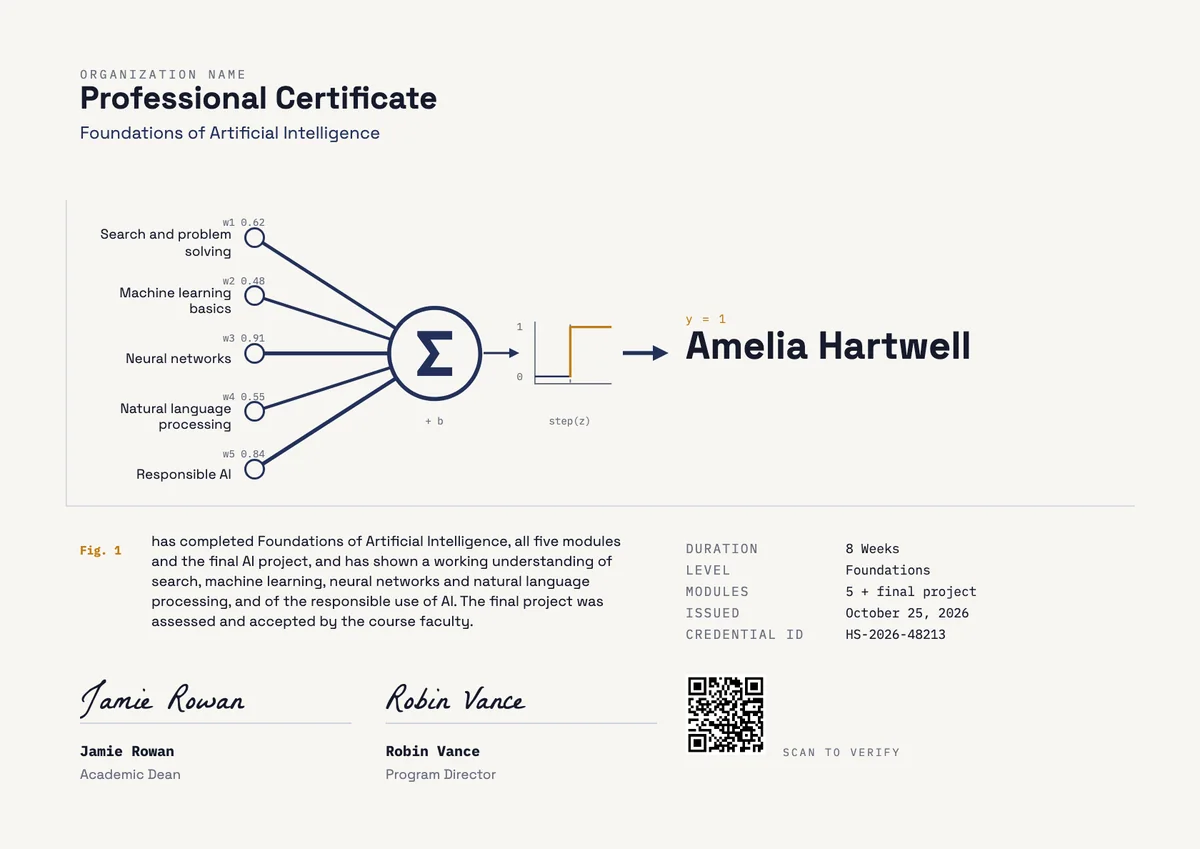
Landscape certificate · A4 + US Letter
AI Professional Certificate
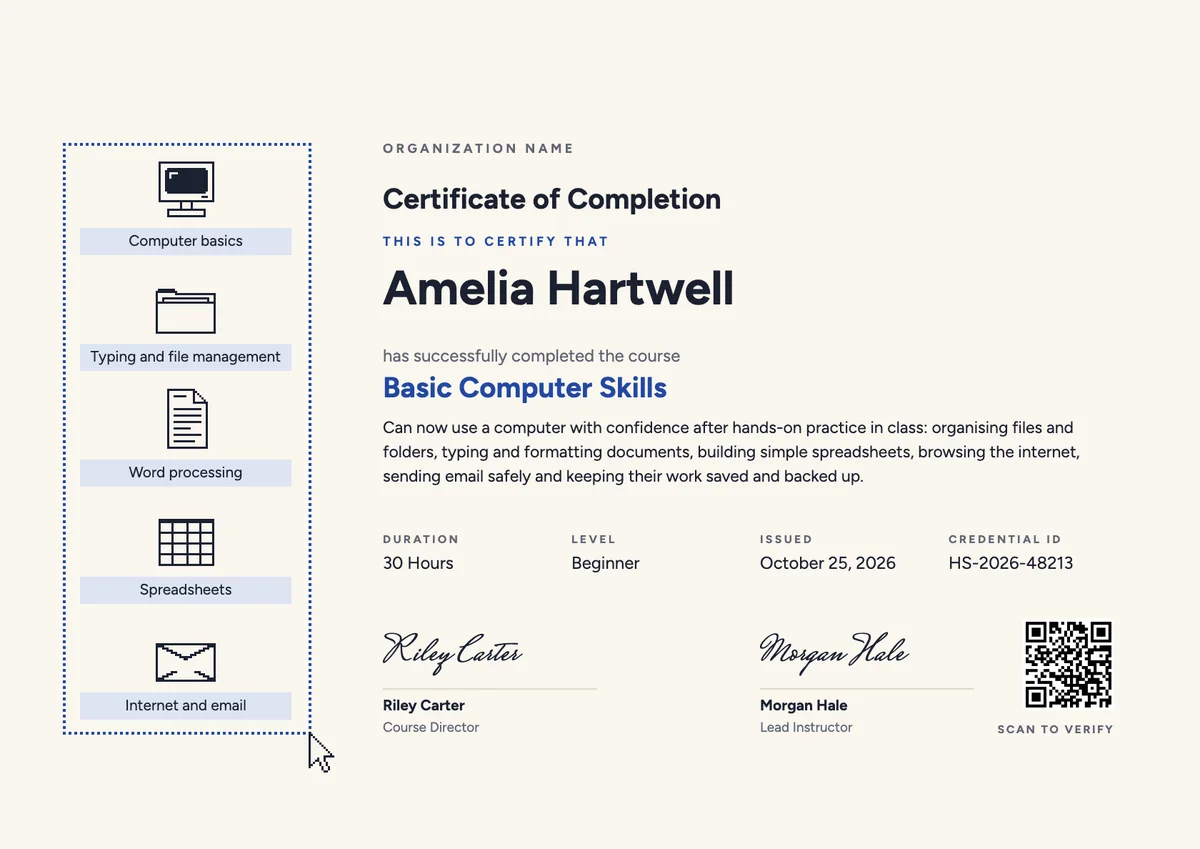
Landscape certificate · A4 + US Letter
Computer Course Landscape Certificate
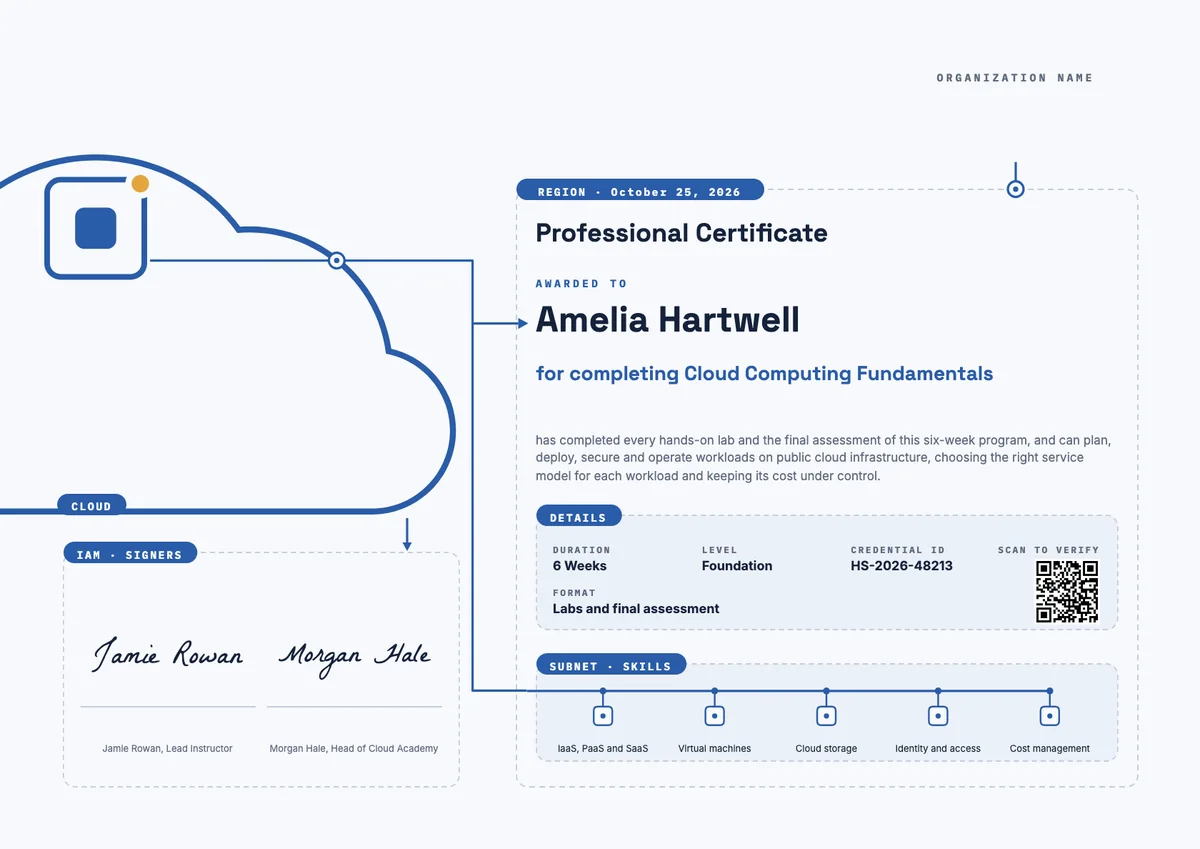
Landscape certificate · A4 + US Letter
Cloud Computing Landscape Certificate
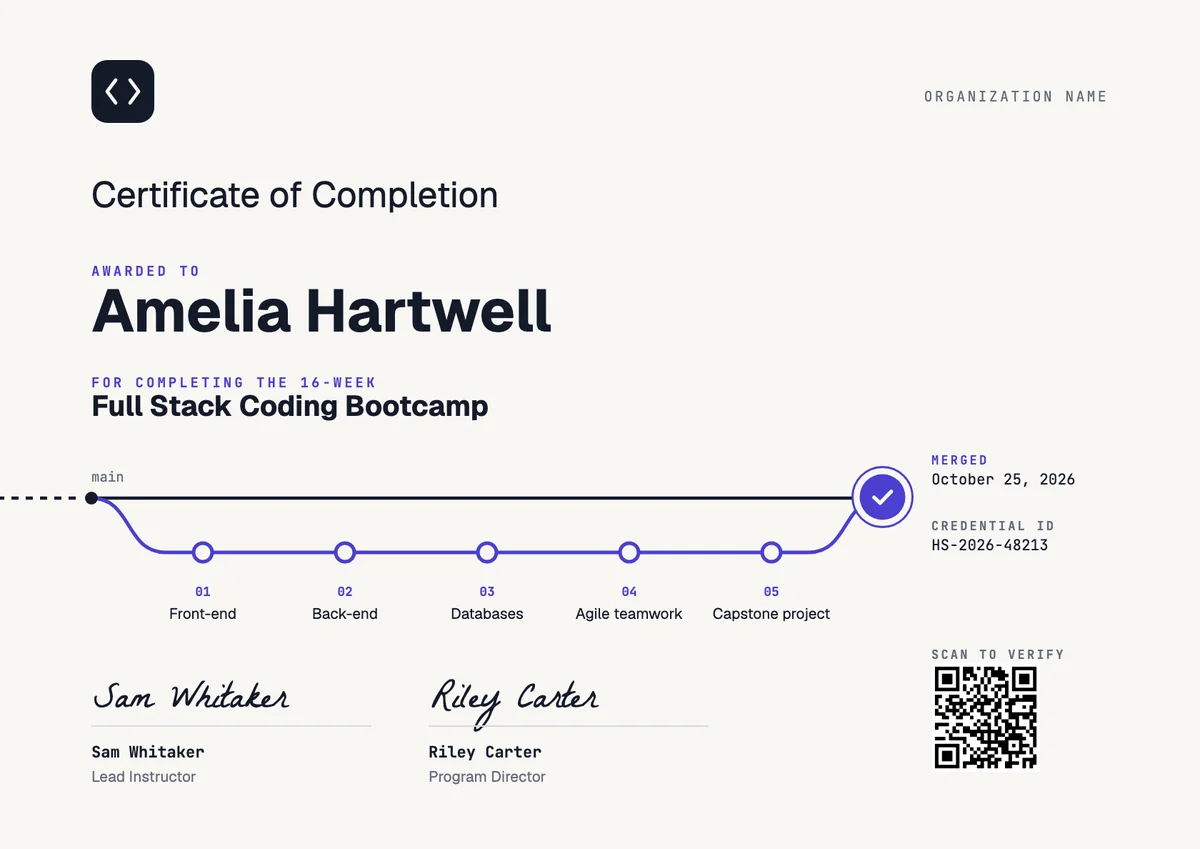
Landscape certificate
Coding Bootcamp Certificate
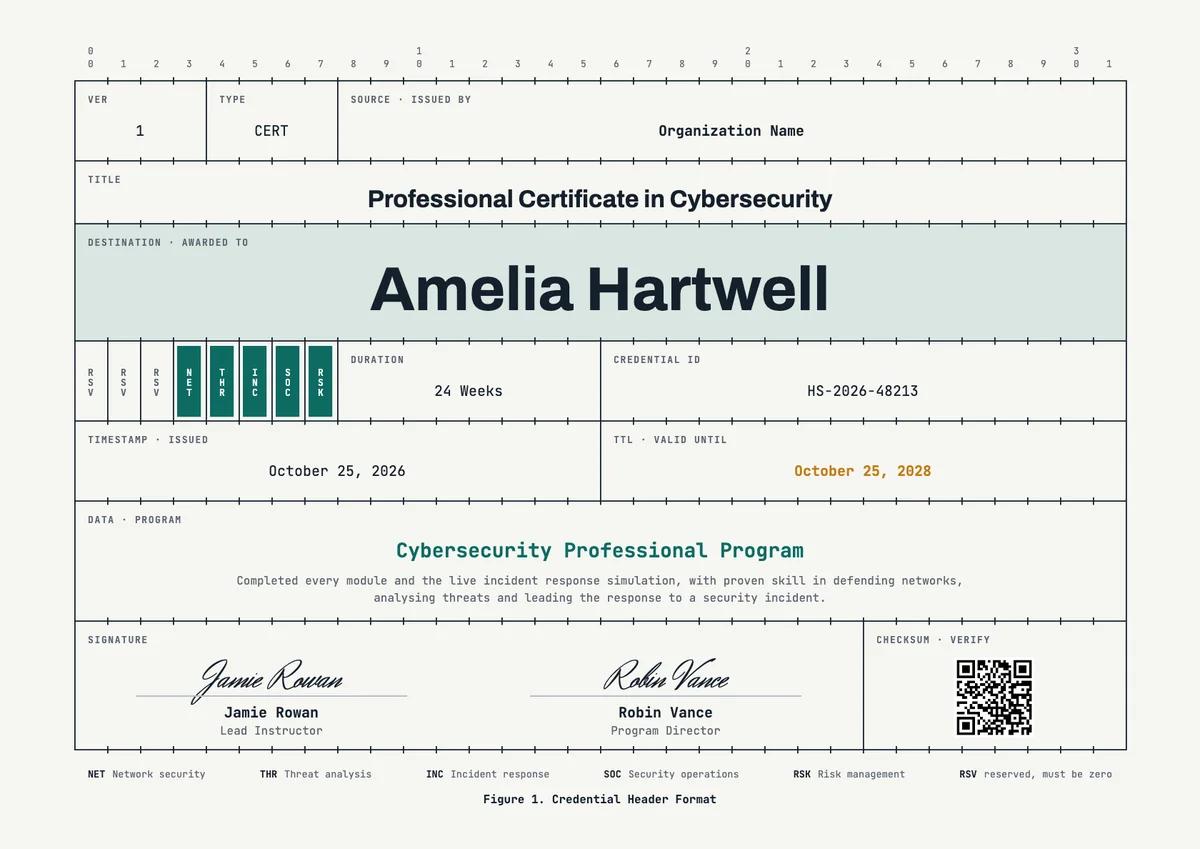
Landscape certificate · A4 + US Letter
Cybersecurity Landscape Certificate
Landscape certificate · A4 + US Letter
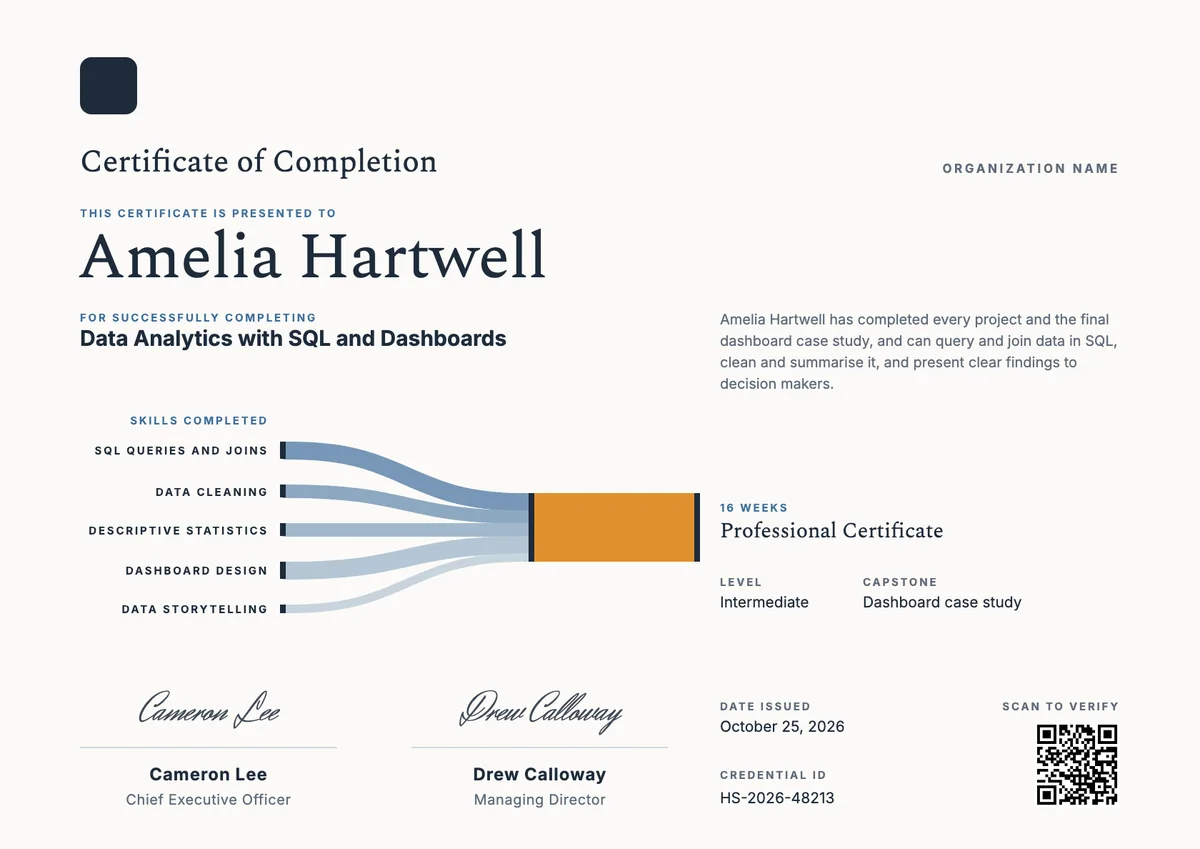
Data Analytics Landscape Certificate
Landscape certificate · A4 + US Letter
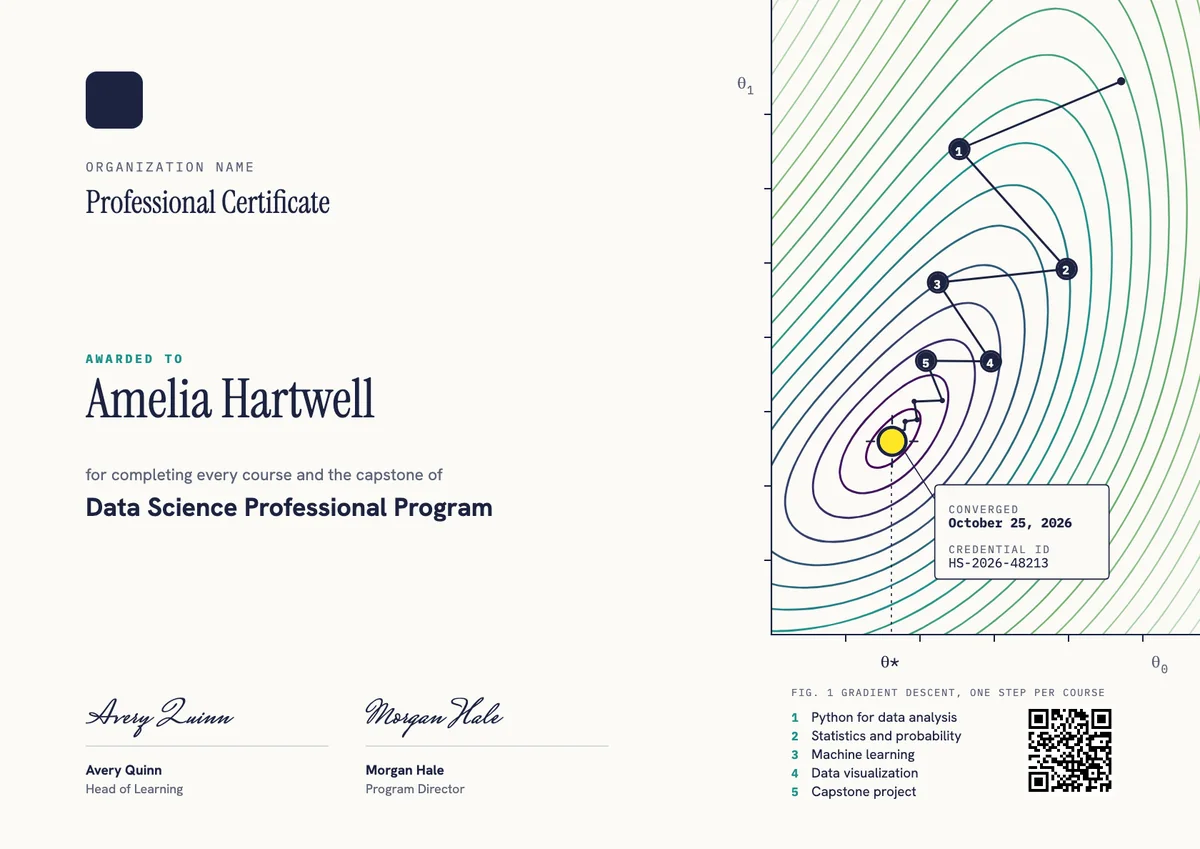
Data Science Professional Certificate
Landscape certificate · A4 + US Letter
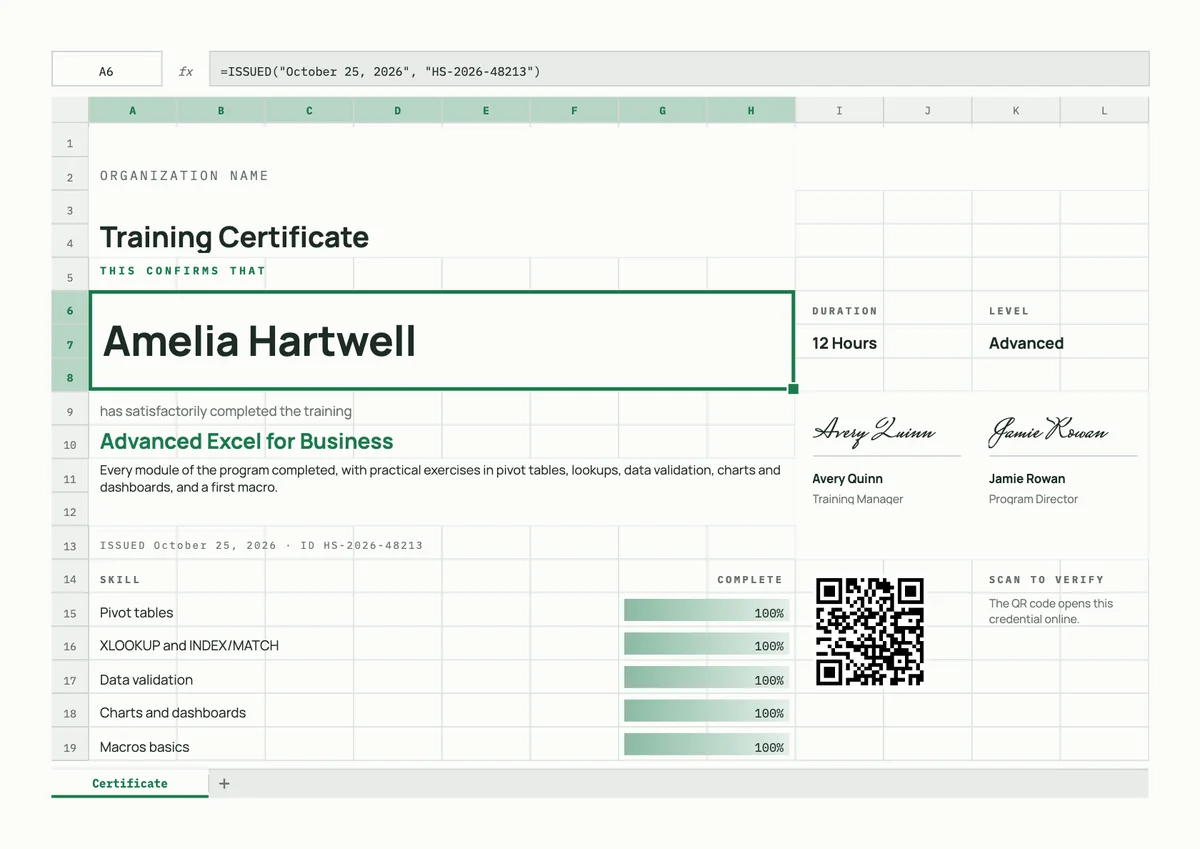
Excel Training Certificate
Browse by topic
Trusted by universities, enterprises and certification bodies worldwide









Your next cohort deserves better than a PDF
Set up in minutes, send your first credentials today, and only pay once you grow past 20 recipients a year.
Or open a live sample credential